Comic AI: How AI Makes Comics, What It Does Well and Where It Still Fails
Comic AI is not one thing. It can write the script, design the characters, draw the panels or do all of it at once. A plain explanation of how it works, what it is good at, where it still breaks and how to get a comic you are happy with.
Last reviewed . Written by our editorial team from our own product knowledge and the public descriptions of the other tools mentioned. We did not run a formal test of every tool, and the opinions are ours. We make myComics, one of the comic AI tools described here, so read that part knowing where we stand.
By the myComics.ai Editorial Team8 min read
Explainer · 5 kinds of tools · Editorial disclosure

Quick answer
- Comic AI is software that generates some or all of a comic: the story, the characters, the panel art, the layout or the lettering.
- There are five kinds of comic AI: general image models, serial creator tools, script first builders, design and classroom tools, and photo based story tools.
- It is good at speed, style range and getting a non artist to a finished page. It still struggles with long term consistency, fine control over layout and very long stories.
- The single biggest factor in quality is consistency: a tool that remembers each character beats a tool that draws better single images.
- Start with the comic you want to end up with (one page, a series, a book about real people) and pick the kind of tool from there.
Type “comic AI” into a search bar and you will find a single panel of a cat in a cape, a full manga chapter, a chatbot writing a script and an app that turns your holiday photos into a book. All of them are comic AI, and they have almost nothing in common apart from the word. That is why so many people try one tool, get something that is not what they had in mind, and conclude that AI comics do not work.
This guide explains what comic AI actually is, how it turns a prompt or a photo into panels, the five kinds of tools you will meet, what they do well and where they still fail. One disclosure first: we make myComics.ai, one of the tools described here. We have tried to write the guide we would want to read before choosing anything, including the cases where another tool is the better pick.
What is comic AI?
Comic AI is software that uses generative models to create some or all of a comic. A comic has more parts than people expect, and different tools take on different parts:
- The story. A premise, a plot, a script broken into pages and panels, the dialogue.
- The characters. What each person looks like, and keeping them looking the same on every page.
- The panel art. The actual drawings, in a chosen style: superhero, manga, noir, cartoon.
- The layout. How panels are arranged on a page and how pages follow each other.
- The lettering. Speech balloons, captions and sound effects.
- The output. A page to share, a PDF, a series to publish, or a printed book.
A general image model only does the panel art, one image at a time. A chat assistant only does the story. A full comic generator tries to do everything. Most disappointment with comic AI comes from asking a tool that does one part to deliver all six.
How does comic AI turn an idea into a comic?
Behind the different interfaces, most complete comic AI tools follow the same sequence.
- Start from an idea. A single sentence (“we get lost on a road trip”), a full plot, or a script you wrote yourself.
- Build the cast. The tool creates a reference for each character, from a text description, a drawing or, in photo based tools, from photos of real people. This reference is what the tool comes back to every time the character appears.
- Write the pages. The story is split into pages and panels, each with a short description of what happens and what is said.
- Draw each panel. An image model draws each panel in the chosen style, using the character references so faces and outfits stay stable.
- Assemble and letter. Panels are placed on pages and the text is added as balloons and captions.
- Edit and export. You rewrite lines, regenerate pages you do not like, then read online, download or print.
The step that separates good tools from frustrating ones is the second. If the tool has no stable reference for each character, every panel is drawn from scratch and the hero’s face, hair and jacket drift from one image to the next. That is the most common complaint about AI comics, and it is mostly a choice of tool rather than a limit of the technology.
What are the main kinds of comic AI?
Rather than ranking individual products, it helps to know the five kinds. Our full comparison of AI comic generators goes through ten tools one by one.
- General image models. ChatGPT image generation, Gemini, Midjourney. Excellent single images and quick one page strips. Keeping the same character across many images is largely your job.
- Serial creator tools. Dashtoon, Anifusion. Built for people making an original webtoon or manga series with invented characters, with more control and more work per page.
- Script first builders. LlamaGen, Comistitch. You bring a written story and the tool turns it into pages.
- Design and classroom tools. Canva, Pixton. Templates and simple characters for a quick strip at work or school.
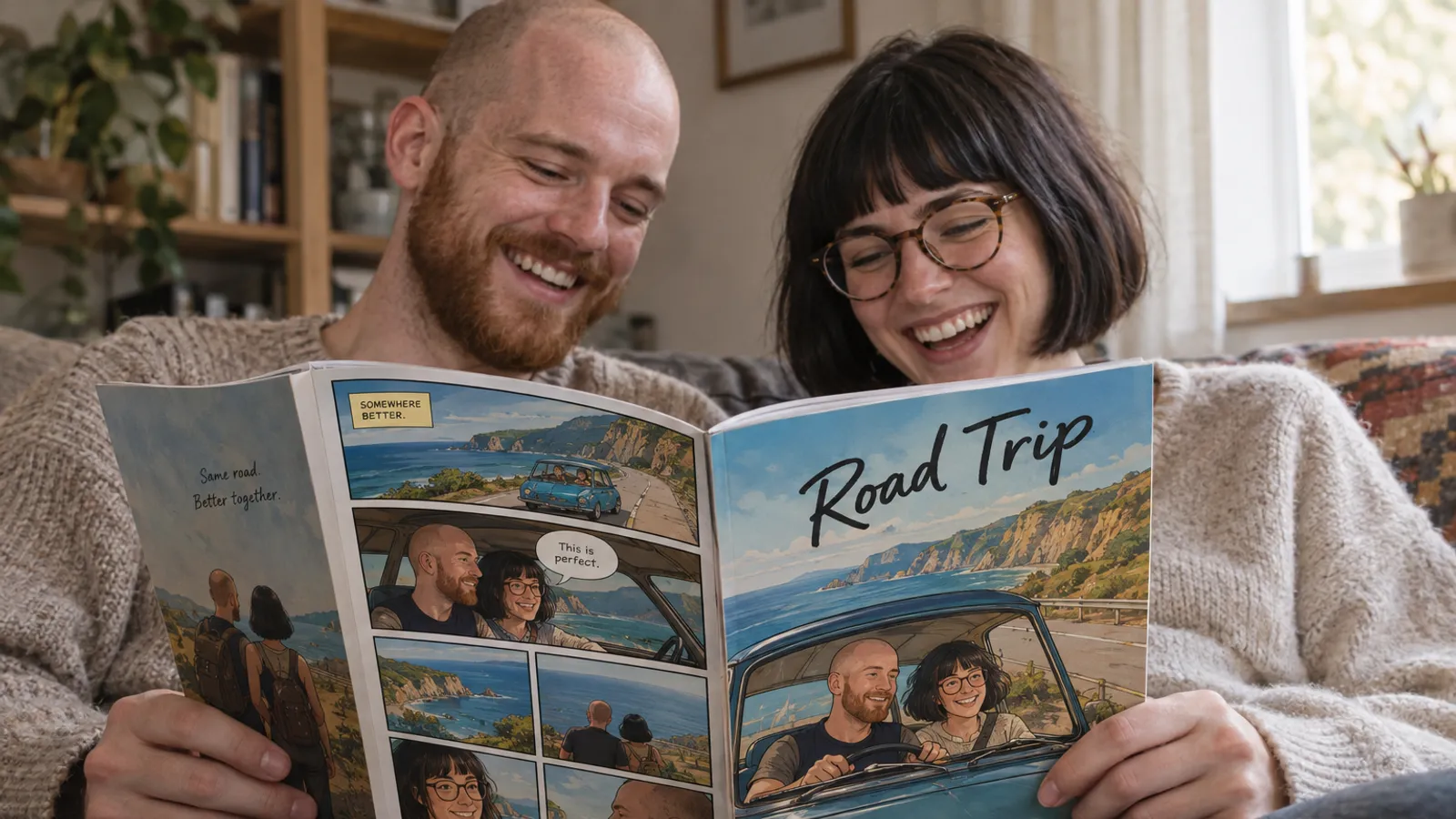
- Photo based story tools. myComics and similar. You upload photos of real people, the tool builds a character for each, and the result is a book where you and your friends or family are the cast.
Our companion guide to comic AI tools goes the other way round: which tool to use for each step of making a comic, from the script to the printed book.

What does comic AI do well?
Speed. A page that would take an illustrator a day can be drafted in minutes. That makes comic AI ideal for trying ideas, storyboarding, or making something for an occasion that is next week.
Range of styles. The same story can be redrawn as superhero, manga, noir, horror or cartoon without starting over. For a personal project, trying three styles before choosing one is a real advantage.
Getting non artists to a finished page. Most people who want to make a comic cannot draw, and until recently the alternatives were stick figures, photo comics or commissioning someone. Our guide on how to make a comic book without drawing covers all the options, AI and otherwise.
Personal comics about real people. Photo based tools can put specific people into a story, which used to require a commissioned artist. This is the job we built myComics for: you upload photos of up to six people, each becomes a character that stays consistent through the book, and you choose a style such as superhero, manga, noir or cartoon. A full book is a cover, twenty story pages and a back cover, read online, downloaded as a PDF or printed.
Where does comic AI still struggle?
Being candid about the limits is more useful than pretending they are gone.
Consistency over a long story. Tools with character references hold faces well across a book. Tools without them drift. Even good tools can slip on small details such as jewellery, tattoos or a specific pattern on a shirt.
Fine control over layout. If you want to place every panel by hand and choose exact camera angles, most guided tools will feel confining. Specialist tools such as Anifusion, or a traditional layout program, give you that control at the cost of more work.
Text inside the art. Lettering added as a separate layer is clean. Text that the image model draws itself, such as signs or posters inside a panel, can still come out misspelled.
Likeness of real people. A photo based character is a stylized likeness, closer to what a caricature artist captures than a passport photo. Blurry photos, heavy filters and faces hidden by sunglasses all make it worse. Three to eight clear photos per person, from a few angles, is the practical sweet spot.
Very long, original series. A weekly webtoon with a growing cast is a different job from a single book. Serial creator tools are designed for that; most others are not.
Is comic AI fair to artists, and who owns the result?
This is a fair question and there is no single answer. Our longer piece on AI comics in 2026 looks at how artists and readers see them. Three practical points:
- Read the terms of the tool you use. Ownership of what you create is set by each tool’s terms. Many, including myComics, let users keep the rights to their content, but check before you publish or sell.
- Disclose AI use where it matters. Some publishers, competitions and platforms ask for it. For a personal gift it rarely matters; for a published work it often does.
- Do not imitate a living artist or a studio by name. Asking a tool to copy a specific artist’s style is the clearest way to make a comic that is both ethically questionable and legally risky.
Copyright law on AI generated work is still developing and differs by country. For commercial projects, take proper legal advice rather than relying on a blog post, ours included.
How do you get a good result from comic AI?
Pick the tool by the comic you want at the end. One page to share, a series to publish, or a book about real people each point to a different kind of tool.
Lock the characters before the story. Check that each character looks right on a single page before you plan twenty. With photo based tools, this is where you find out whether your photos are good enough. Our guide to choosing photos for a comic explains what works.
Give the story a shape. A clear premise, a problem and an ending beat a list of scenes. “Two friends try to cook Christmas dinner for twelve and burn everything” gives the tool far more to work with than “a funny Christmas story”.
Keep balloons short. Comics read best with a few words per balloon. Long dialogue crowds the art and is harder to read in print.
Edit, then edit again. Rewrite lines that sound flat, regenerate pages that do not work, and read the whole thing once from start to finish before you export or print.

So is comic AI worth trying?
If you have a comic in mind and cannot draw it, yes. Comic AI is now good enough to take a non artist from an idea to a finished page or a finished book, as long as you choose the right kind of tool for the job and accept that the result is a stylized drawing, not a photograph.
Start from the comic you want to end up with. For one striking page, a general image model is enough. For an original series, try a serial creator tool. For a book where you, your partner or your family are the characters, a photo based tool is the one built for it. Our best AI comic generator page summarises the shortlist, and if you want to see your own photos as comic characters, you can turn photos into a comic and check the result before you write a single page.