Best AI Comic Generators in 2026: 9 Tools Compared Honestly
Nine AI comic tools, one set of criteria: does the face hold across panels, does the tool help with the story, and what do you have at the end. The right pick depends on the comic you are making, and we try to say which one that is.
Last reviewed . This comparison is based on each tool's public product pages and published reviews, plus our own knowledge of myComics. We make myComics, so read our section with that in mind. The ranking reflects our editorial judgment, not a benchmark.
By the myComics.ai Editorial Team12 min read
2026 ranking · 9 tools compared · Editorial disclosure

Quick answer
- There is no single best AI comic generator. There is a better fit for each kind of comic: a story about real people, a webtoon series, a manga chapter, a quick strip, or one striking panel.
- For a comic starring people you know, a tool that builds a character from photos, such as myComics.ai (which we make), is the natural starting point. For invented casts, other tools are built more squarely for the job.
- For an original serialized webtoon, Dashtoon is designed around that workflow. For manga, Anifusion is the specialist. For a script you already wrote, LlamaGen is worth a look.
- General image tools such as Midjourney, ChatGPT and Canva can make lovely panels, but they leave the hard part to you: keeping the same face across a whole book and assembling the pages.
- Whatever you pick, try it with your own photos or your own character before paying. Every tool looks good in its own examples.
Most “best AI comic generator” lists we have read share one quiet habit: the product made by whoever wrote the list sits somewhere near the top. This list has the same problem, so we will name it in the first paragraph. We make myComics.ai. It is on this list, and you should read its section with a raised eyebrow. What we can offer in return is a plain account of what each tool is built for, where the others are a better choice than ours, and which kind of comic each one suits.
That last part matters more than the order. “AI comic generator” covers at least five different products that happen to share a search term. A tool that works well for a vertical webtoon series can be the wrong choice for a birthday comic about your dad, and the reverse is just as true. We put this together from each tool’s own product pages and from published reviews, and the judgments below are ours rather than the result of a benchmark.
How did we compare the tools?
Four criteria, roughly in order of how often they decide whether a comic works.
Character consistency. The same face, hair and outfit from the first panel to the last. This is the hardest problem in AI comics, and it is the one sample galleries hide best, because a gallery shows single panels. We looked at how each tool says it approaches it: a persistent character built before the pages, a trained model, a reference image, or nothing at all.
Story tools. Does the tool help you get from an idea to a sequence of scenes, or does it hand you a blank prompt box for every panel? Some tools write with you, some take a script, and some expect you to direct every image.
Output. What you hold at the end: a page inside the tool’s own reader, an image export, a PDF, or a printed book. These are different products, and the difference tends to show up only when you are finished.
Learning curve. How long it is likely to take a first time user to make something they are happy with. Training a custom model is powerful, and it is also an afternoon.
We left pricing out of the ranking on purpose. Plans in this category change often, and a price quoted in an article is usually wrong within a few months. Each tool’s own pricing page is the place to check what it currently offers, including whether there is a free way to start.
Which AI comic generators made the list?
Here is the short version before the detail.
| Tool | Best for | How it keeps characters consistent | What you get at the end |
|---|---|---|---|
| myComics.ai | Comics starring real people | Reusable character built from three to eight photos per person | Read online, PDF, printed book |
| Dashtoon | Original webtoon series | Saved and trained characters | Episodes on its own reader, image export |
| Anifusion | Manga and anime | Trained characters, canvas editing | Page and image export |
| LlamaGen | Script driven comics and manga | Character references across a project | Page export |
| AI Comic Factory | A quick free experiment | Prompt only | Page image |
| Midjourney | Striking single panels | Character reference images | Individual images you assemble |
| ChatGPT images | One page, fast, in a chat | Conversation context | Individual images you assemble |
| Canva | Layout for people already using Canva | Very little | Designed pages, PDF |
| Pixton | Classrooms and simple strips | Posable avatar characters | Strips and pages |
A note on the order: it roughly follows how much each tool is built for making a whole comic, rather than how good its images are. On pure image quality the list would look different.
1. myComics.ai: for comics about real people
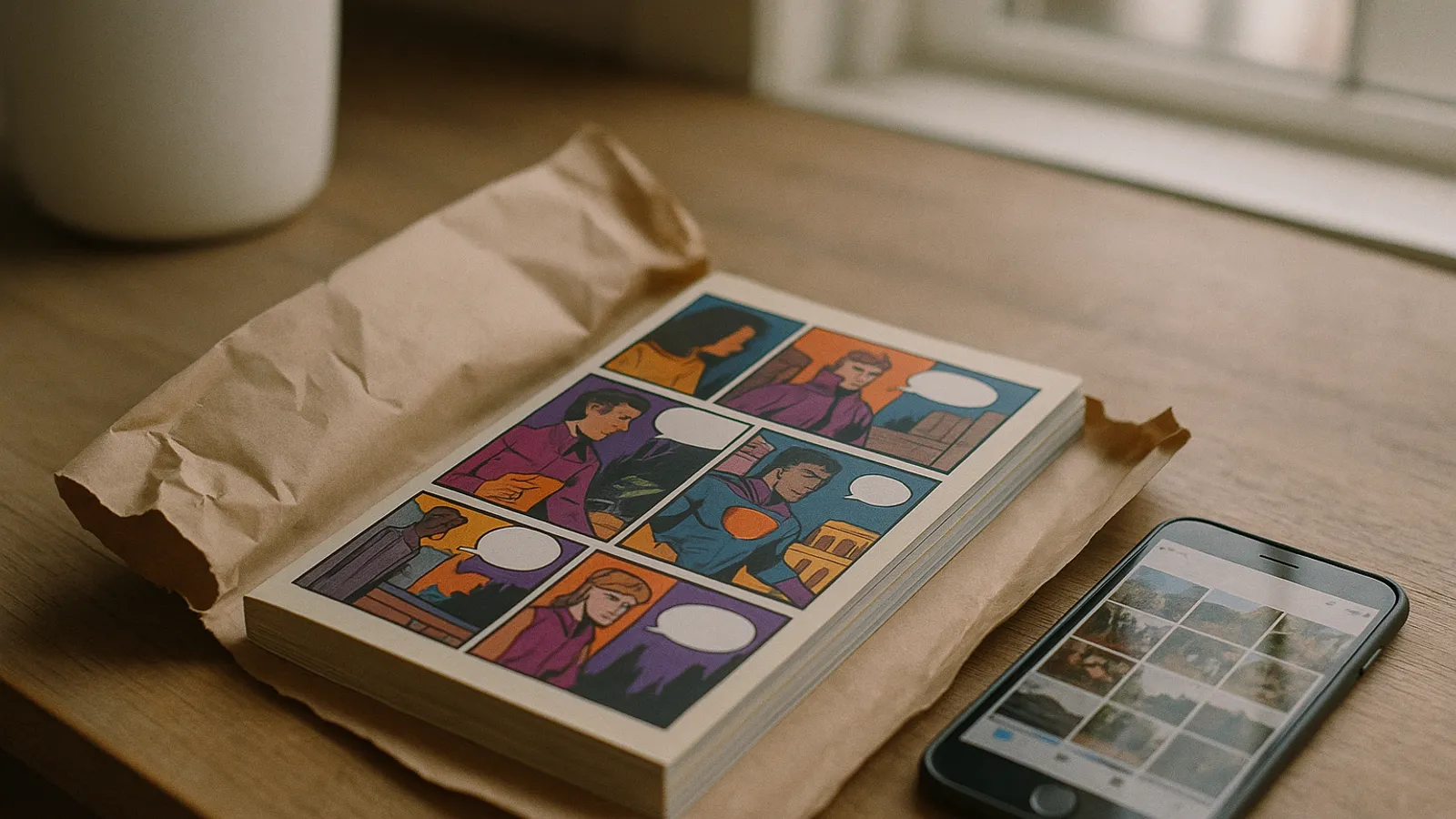
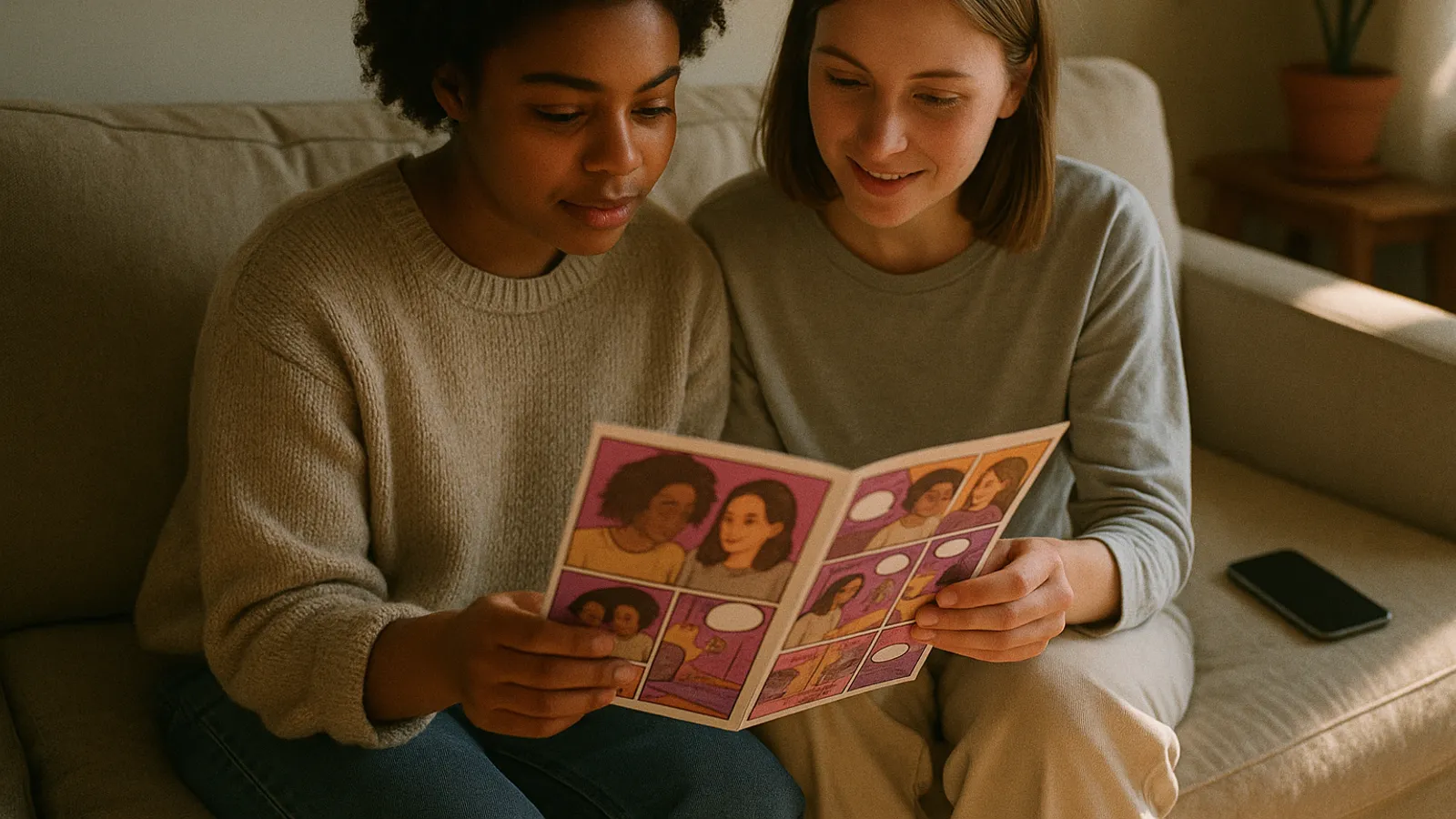
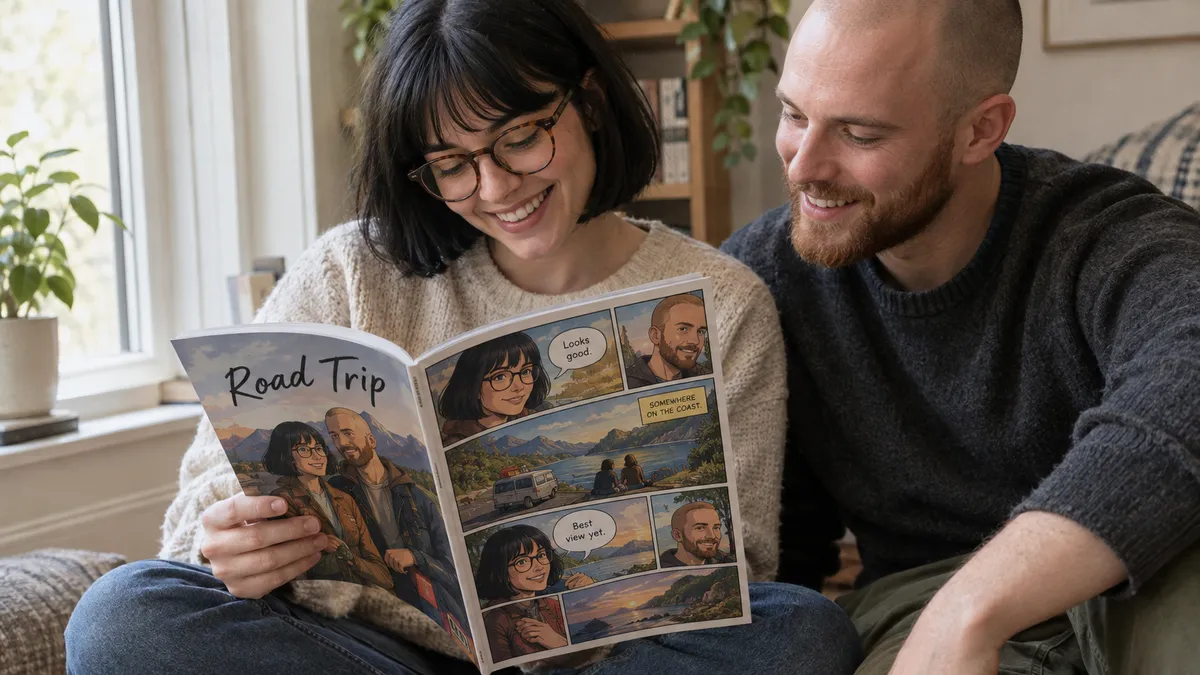
This is ours, so we will keep it factual. It starts from a different question than most of this list: not “what should this panel look like” but “who is this story about”. You upload photos of each person, three to eight is the practical range, and it builds a reusable comic character from them. That character is what gets redrawn in new poses, angles and scenes on each page, which is the whole point of the approach.
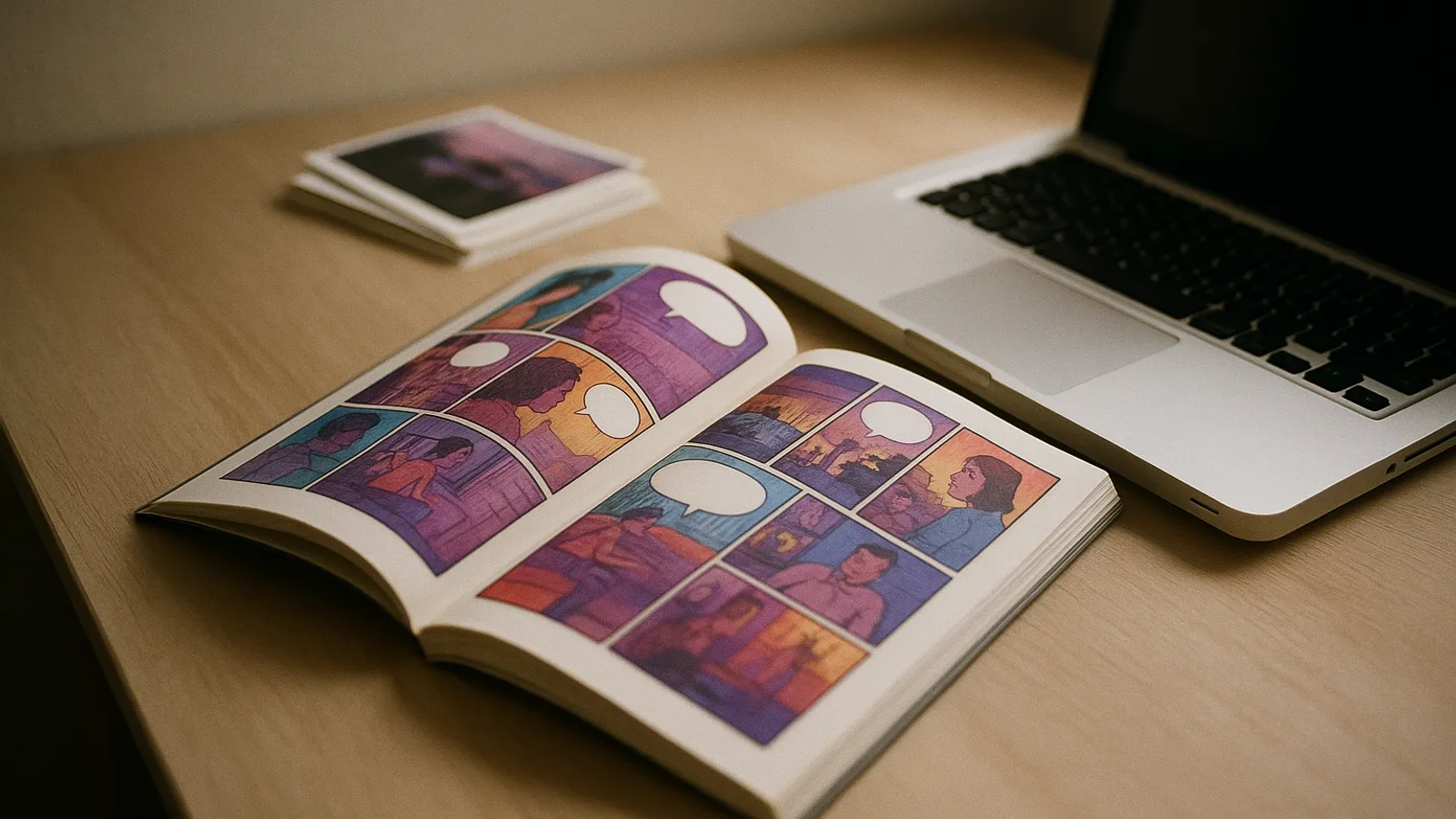
From there you pick a style (superhero, manga, noir, cartoon and others), give the story a premise, and the story unfolds through choices you make as you go. Several people can appear in the same comic, each built from their own photos rather than approximated from one group shot. At the end you can read it online, export a PDF, or order a printed book.
Where it fits: personalized comics. Gifts, couples, family stories, a trip, a birthday, a kid who wants to be the hero. Anything where the reader will recognize the face.
Where it does not: if you are drawing an original cast of invented characters for a long running series, a tool built around serial publishing will suit you better. It is also not a general image generator, so if you want full control over every panel, look further down. The result is a stylized likeness, closer to what a caricature artist captures than to a photograph, and weak source photos (harsh lighting, heavy beauty filters, a face half hidden) give a weaker character. That last point is true of any photo based tool, but it matters most here.
If you want to see how the photo step works, there is a walkthrough in how to turn your photos into a comic, and the image to comic page shows the flow from upload to finished page.
2. Dashtoon: for original webtoon series
Dashtoon presents itself as a tool for creators who want to publish episodes. Its workflow is designed around vertical scrolling comics, and it pairs creation with its own reader where series are published and followed. According to its product pages, characters can be saved and trained so an invented cast stays stable across episodes.
Choose it if you are writing an ongoing story with original characters and you want an audience on a platform built for that format. For that job it is a more natural fit than we are. Look elsewhere if your comic is a one time project about real people, or if a printed book is the end product you want. We wrote a longer comparison on Dashtoon alternatives if you are deciding between the two approaches.
3. Anifusion: for manga and anime art
Anifusion is the specialist for Japanese comic conventions. Its output is aimed at manga and anime aesthetics, and it describes a more hands on way of working than most tools here: a canvas where you arrange panels, adjust pages and regenerate individual frames, plus trained characters for consistency.
Choose it if manga is the point and you enjoy directing every panel. People who like that level of control will probably find guided tools, ours included, a little confining. Look elsewhere if you want Western comic styles, or if you would rather describe a story than lay out pages by hand. There is more on the tradeoffs on our Anifusion alternative page.
4. LlamaGen: for writers who start from a script
LlamaGen leans toward people who think in words first. By its own description you can start from a script or a story outline and have it broken into pages, across formats that include comics, manga and webtoons. It sits in a sensible middle ground between a blank prompt box and a fully guided flow.
Choose it if you already have the story written and want it drawn. Look elsewhere if the likeness of real people matters to you, since its focus is invented characters, or if you are planning something long and want to see how characters hold across many pages before committing.
5. AI Comic Factory: for a quick free experiment
AI Comic Factory is an open source project hosted on Hugging Face. You type a premise, pick a style and a layout, and it produces a page of panels in one go, without an account. As a way to see what AI comics feel like in two minutes, it is hard to argue with.
What it does not do is remember anyone. Each panel comes from the prompt, so characters tend to drift from panel to panel, and there is no story structure or book at the end. We mean it kindly when we call it a toy. If cost is your main filter, our page on the free AI comic generator goes through what the free options let you finish.
6. Midjourney: great single panels, lots of assembly
Midjourney produces some of the most admired individual images of any tool here, and its character reference feature helps keep a face roughly stable. For a poster, a cover or a single dramatic panel, it is excellent, and for that job we would pick it over anything built specifically for comics.
It is also not a comic generator. There are no pages, no lettering, no story and no book. You generate panels one at a time, work against drift across them, then assemble everything in a second tool. People make impressive comics this way, and they spend hours doing it. Choose it if the art is the whole point and the assembly is part of the fun.
7. ChatGPT image generation: one page, right now
A lot of people now make their first AI comic inside ChatGPT: describe a four panel strip, get a page back, ask for changes in plain language. For a single page, a joke, or a quick storyboard, that conversational loop is convenient, and you may already be paying for it.
The limits appear with length. Consistency depends on the conversation holding the character in mind, and over a longer story the face and outfit tend to wander. There is no page layout system, no book, and nothing that ties chapter one to chapter three. Good for a page, hard work for a comic.
8. Canva: for people who already live in Canva
Canva is a design tool with AI image generation added, not a comic tool. Its strength is layout: comic strip templates, speech bubbles, fonts and an editor many people already know. If you use it for work or school, you can put together a clean strip quickly.
What it does not do well is characters. Each generated image is its own event, so keeping one person consistent across panels is largely up to you. Fine for a three panel strip in a presentation; frustrating for a book.
9. Pixton: for classrooms and simple strips
Pixton predates the current wave of image generators and works differently: you build comics from posable characters, backgrounds and props rather than generating illustrations from a prompt. That makes it predictable and easy for students, which is why teachers tend to like it.
The tradeoff is the look. Characters are avatars assembled from options, so they resemble a person loosely rather than being recognizable. For classroom storytelling that is a feature, not a flaw. For a personal gift, or anything that should look drawn, it is a limitation.
Which AI comic generator should you choose?
Match the tool to the comic, not to the ranking.
| If you are making | Start with | Why |
|---|---|---|
| A comic starring you, your partner, family or friends | myComics.ai | Characters built from real photos, printed book at the end |
| A personalized gift | myComics.ai, or a human illustrator | Likeness and print matter most, see our gift buying guide |
| An original webtoon series | Dashtoon | Workflow and reader built for episodes |
| Manga pages with full control | Anifusion | Manga focused output and a panel canvas |
| A comic from a script you already wrote | LlamaGen | Script to pages flow |
| A free two minute experiment | AI Comic Factory | No account, instant page |
| A single striking panel or cover | Midjourney | Single image quality |
| A strip inside a presentation | Canva | Templates and layout you already know |
| A class project | Pixton | Predictable, built for students |
One option that is not in the table because it is not software: a human illustrator. If the budget and the timeline allow, and the comic is a once in a lifetime gift, a commissioned artist will bring judgment and warmth that none of these tools do. AI tools make more sense when you want to write the story yourself, move quickly, or make several comics rather than one.
If your comic is about a real person, the field narrows quickly. Most tools on this list are designed to invent characters, and inventing a face is an easier problem than preserving one. That is the job we built ours around, which is also why it ends in a personalized comic book you can hold. For a themed start, the superhero comic generator puts your character into a hero story, and the OC maker is there if you would rather design an original character.
How should you try a tool before paying?
Ignore the galleries, ours included. Every product’s examples are its best output, chosen by people who know which prompts flatter it.
Run the same short check on each tool you are considering:
- Use your real material. Your actual photos, or your actual character description, not an idealized prompt.
- Look past panel one. Generate at least six panels or two pages with the same character and compare the first and the last. Drift shows up late.
- Put two characters in one scene. The second face is where shortcuts show.
- Export something. Find out what the end product really is before you have put an evening into it: a link inside the tool, loose images, a PDF, or a book.
- Read the free plan’s fine print. Check exports, watermarks and commercial use, because “free” means something different on almost every tool.
Twenty minutes of this will tell you more than any ranking, this one included. It also tends to make the decision for you: once you have seen your own face hold, or fail to hold, across a page, the feature lists stop mattering much.
So which AI comic generator would we point a friend to?
It depends on the friend. For comics about real people, especially something to give or print, we would suggest trying a photo based tool like ours first, and we are aware of how that sounds coming from us, which is why the checklist above exists. For original serialized webtoons, Dashtoon. For manga, Anifusion. For a script you already have, LlamaGen. For a free taste, AI Comic Factory. For a single beautiful image, Midjourney. For a class, Pixton.
The honest answer to “which is best” is another question: whose face is in the comic, and what do you want to hold at the end? Answer that, try the two tools that fit, and you will probably know within the hour. For a closer look at how myComics lines up on the criteria above, see the best AI comic generator page.