
Photo to comic
Turn your photos into a comic book
Not a filter on one picture: a full comic starring the people in your photos, with the same faces on every page.
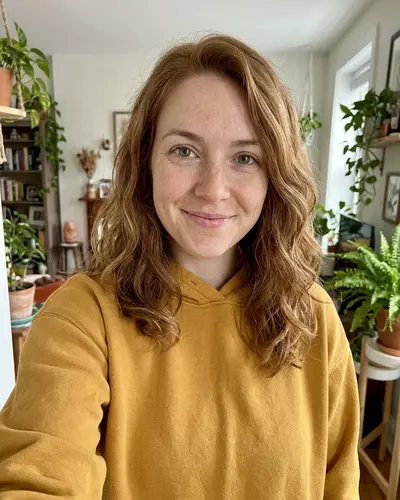
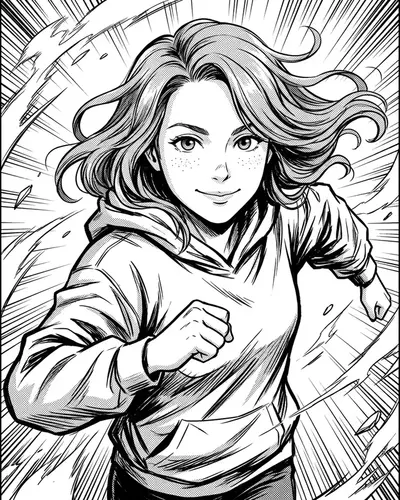
You upload your photo in the next step. Free to start.
- 50,000+ comics created
- Free to start
- No credit card
- 20+ styles
From photo to comic page
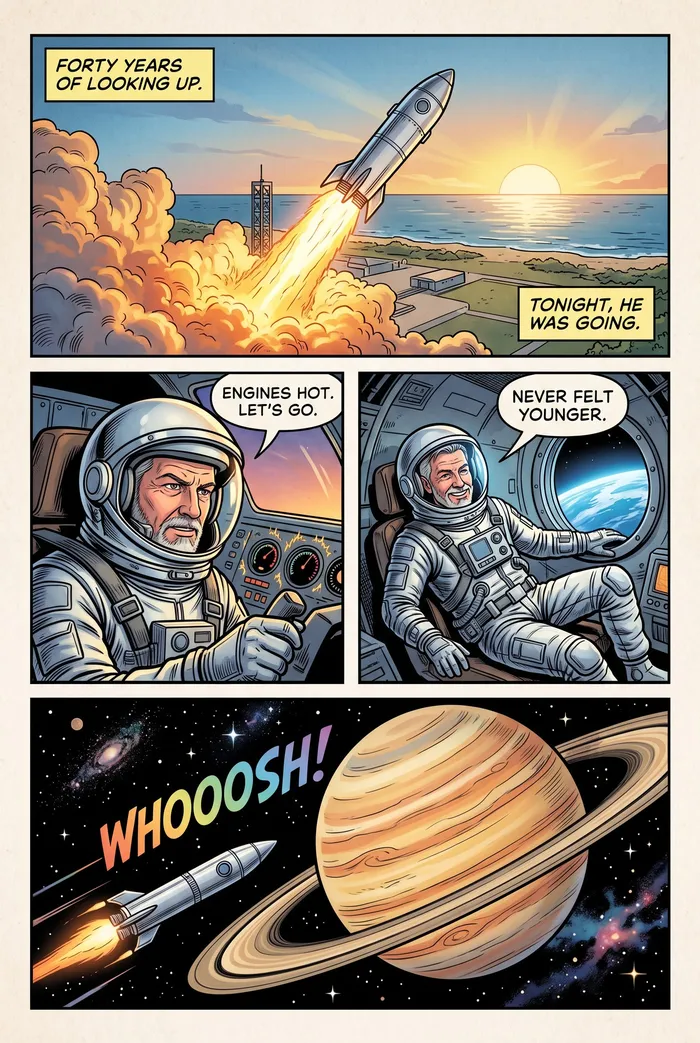
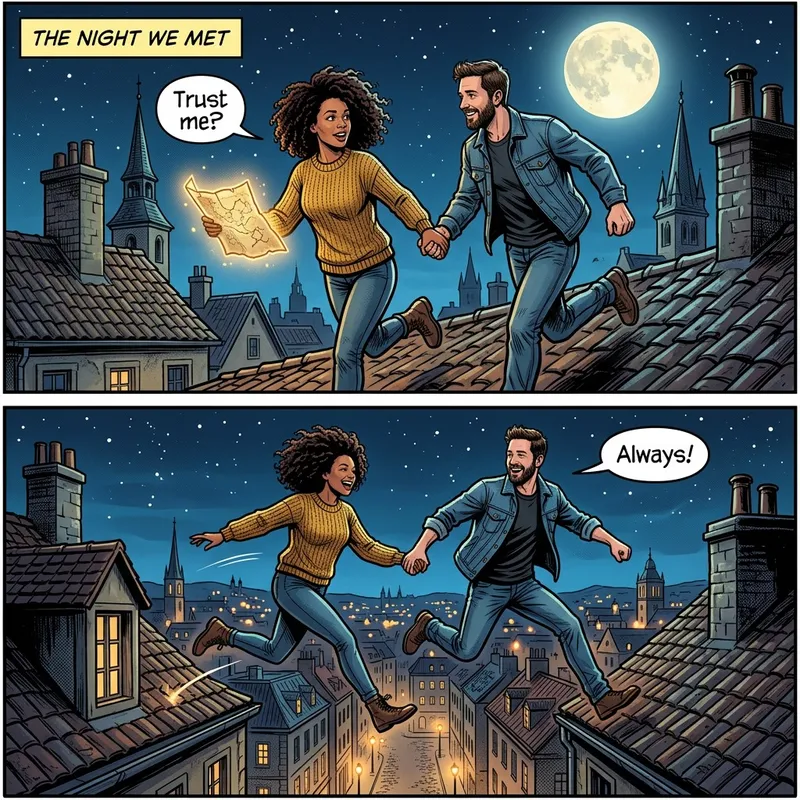
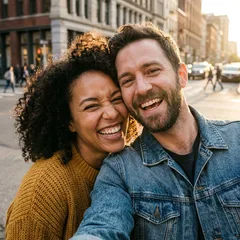
The round badge is the photo each page started from.
 Photo
Photo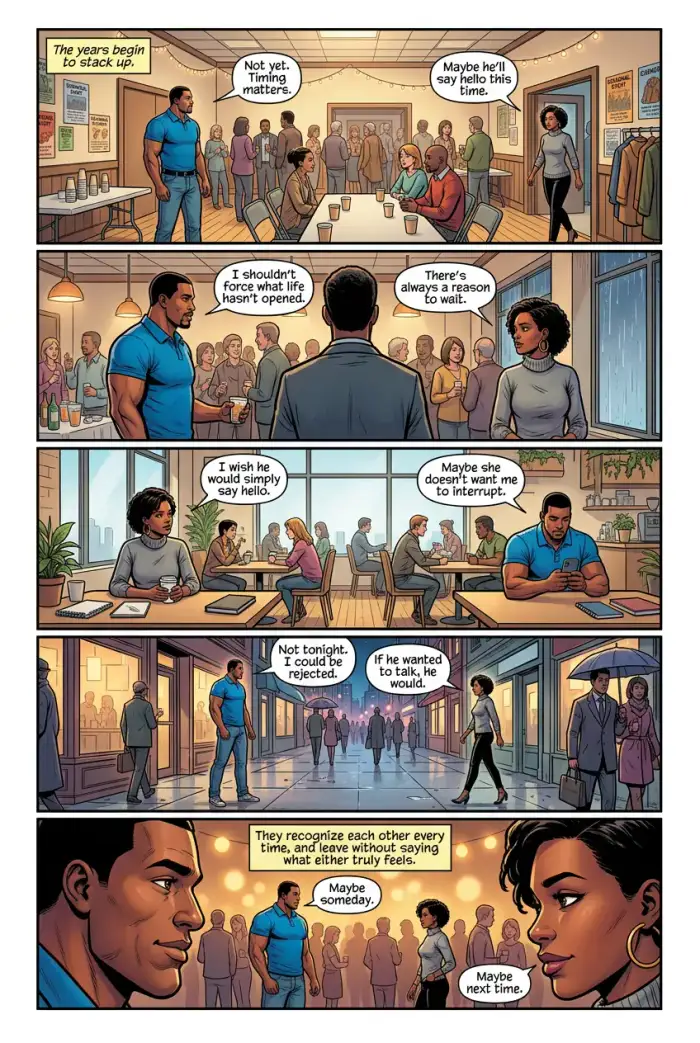
 Photo
Photo
How does photo to comic work?
myComics.ai turns photos into a comic book with AI. Upload a selfie, or photos of family, friends or a pet, and myComics creates comic characters with the same faces, then writes and draws a full story of 20+ pages around them, with panels and speech bubbles. Choose from 20+ art styles, edit any panel, and read, share or print the result. Free to start.
Photo to comic tools usually redraw a single picture in a cartoon style. myComics goes further: it uses your photo to build a character, then tells a whole story with that character.
Upload a clear photo of a face. myComics creates a comic version that keeps the face recognizable and uses it in every panel, in the art style you choose. Add more photos to bring in a partner, kids, friends or a pet.
Then give the story one line, or write it page by page, and the comic is drawn and lettered for you.
- Photos
- Selfies or photos of people and pets
- People per comic
- Several, each from their own photo
- Likeness
- The same face in every panel
- Result
- A full comic book of 20+ pages, not a single image
- Art styles
- 20+
- Formats
- Read online, PDF, or printed A5 book
- Price
- Free to start, no credit card
Last updated:
A tool for
every story
Designed to be fun, not complicated. myComics is built around simple tools that take you from a selfie to a finished comic.
- Comic Studio
Write a plot or a single line. Get a full comic, 20+ pages, with dialogue and lettering.
Try Comic Studio - Only on myComicsStory Control
You decide what happens next. Write the plot page by page, pick who is in each scene and how many pages to add.
Try Story Control - Character Creation
Upload a selfie and get a character that looks like you, the same face in every panel.
Try Character Creation - Edit Panels
Redraw a single panel, change a pose or a background, move things around. The rest of the page stays as it is.
Try Edit Panels - Bubbles Control
Rewrite any line, resize and drag speech bubbles, add captions and sound effects.
Try Bubbles Control - OC Maker
Design an original character with a full reference sheet, then cast it in a story.
Try OC Maker - Print Service
Turn any comic you make into a real printed book, shipped to your door.
Try Print Service
How to turn a photo into a comic
From a selfie to a finished comic in minutes. No drawing skills, no learning curve.
One photo, every style
The same face in manga, superhero, detective noir, 3D, cyberpunk, cartoon and 20+ more styles. Pick one for the whole comic.
- Your photo
- Manga
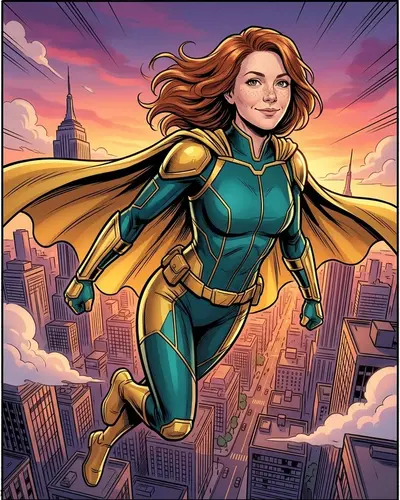 Superhero
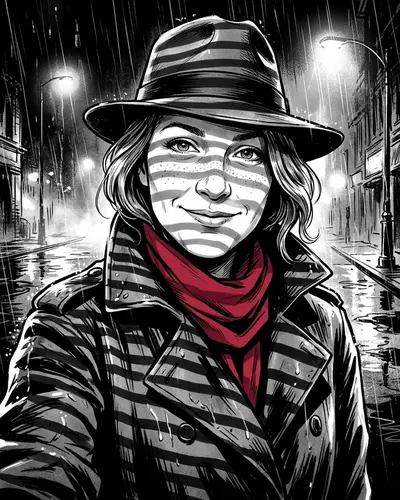 Detective noir
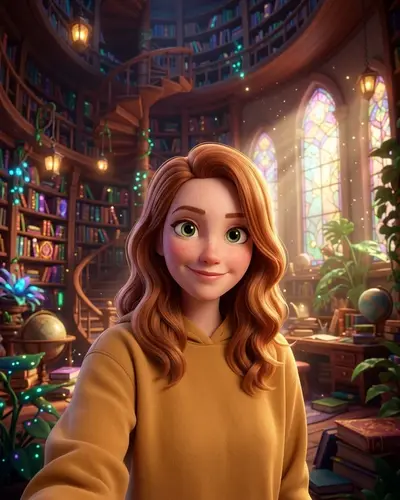 3D
3D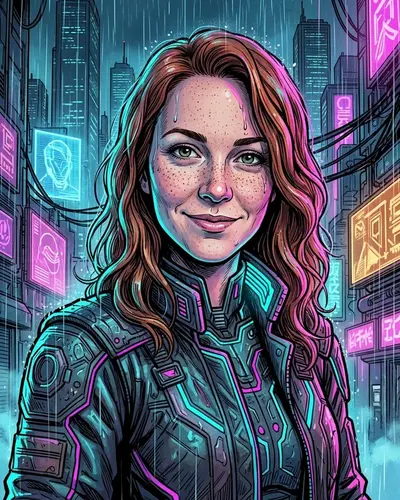 Cyberpunk
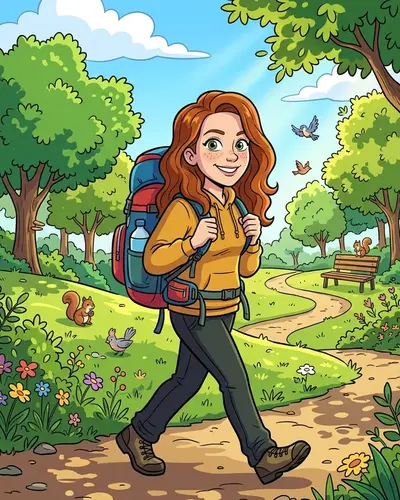 Cartoon
Which photos work best
Almost any photo works. These tips make the likeness even closer.
- 01
One clear face
A photo facing the camera, in good light, works best. Sunglasses and heavy shadows hide the features the AI needs.
- 02
One photo per person
Upload a separate photo for each character, so every face stays sharp and consistent.
- 03
Old photos are fine
Scanned prints and older phone pictures work, as long as the face is visible.
- 04
Pets too
Dogs, cats and other pets become characters with their own markings and colors.
For your shelf
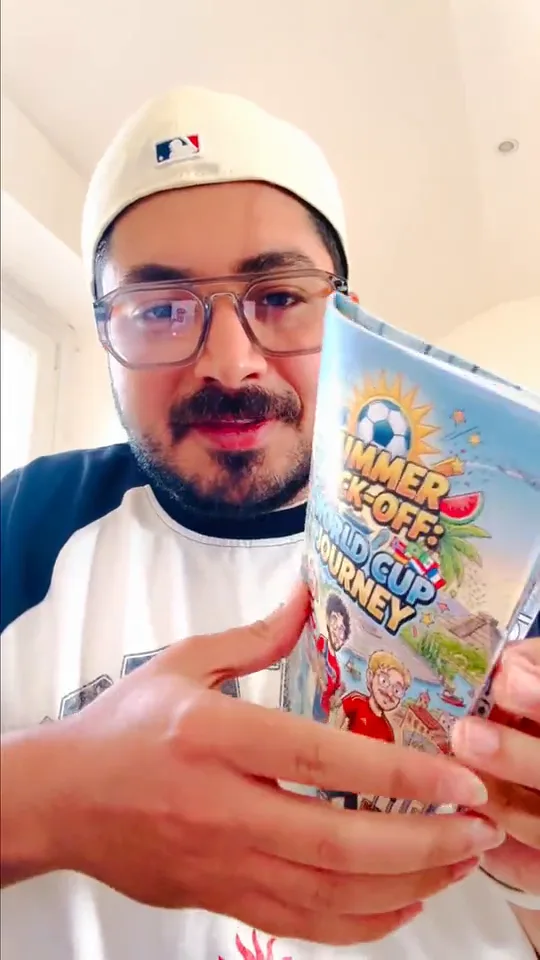
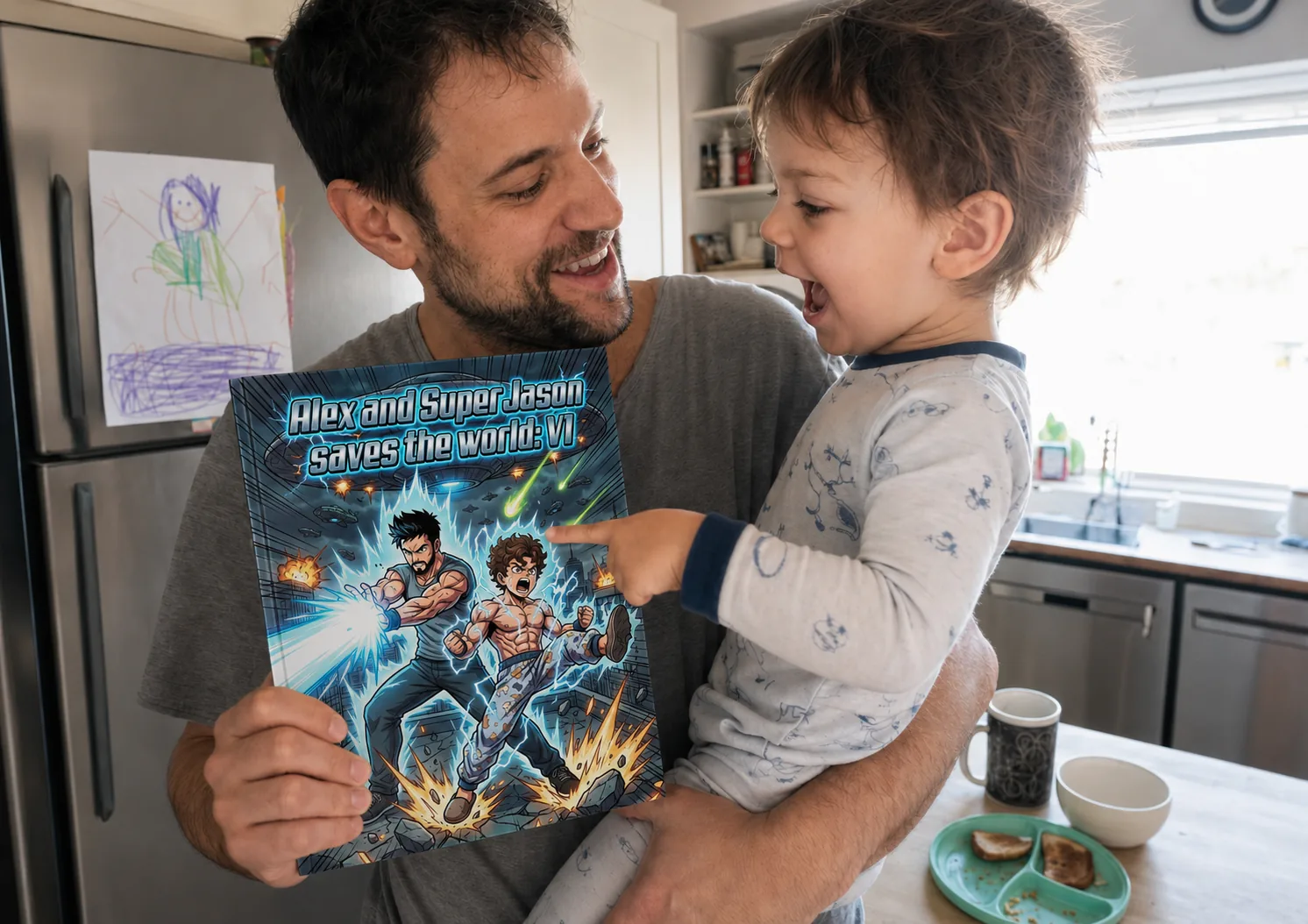
Any comic you make can become a real book: A5, from 20 pages, premium paper, shipped to your door.
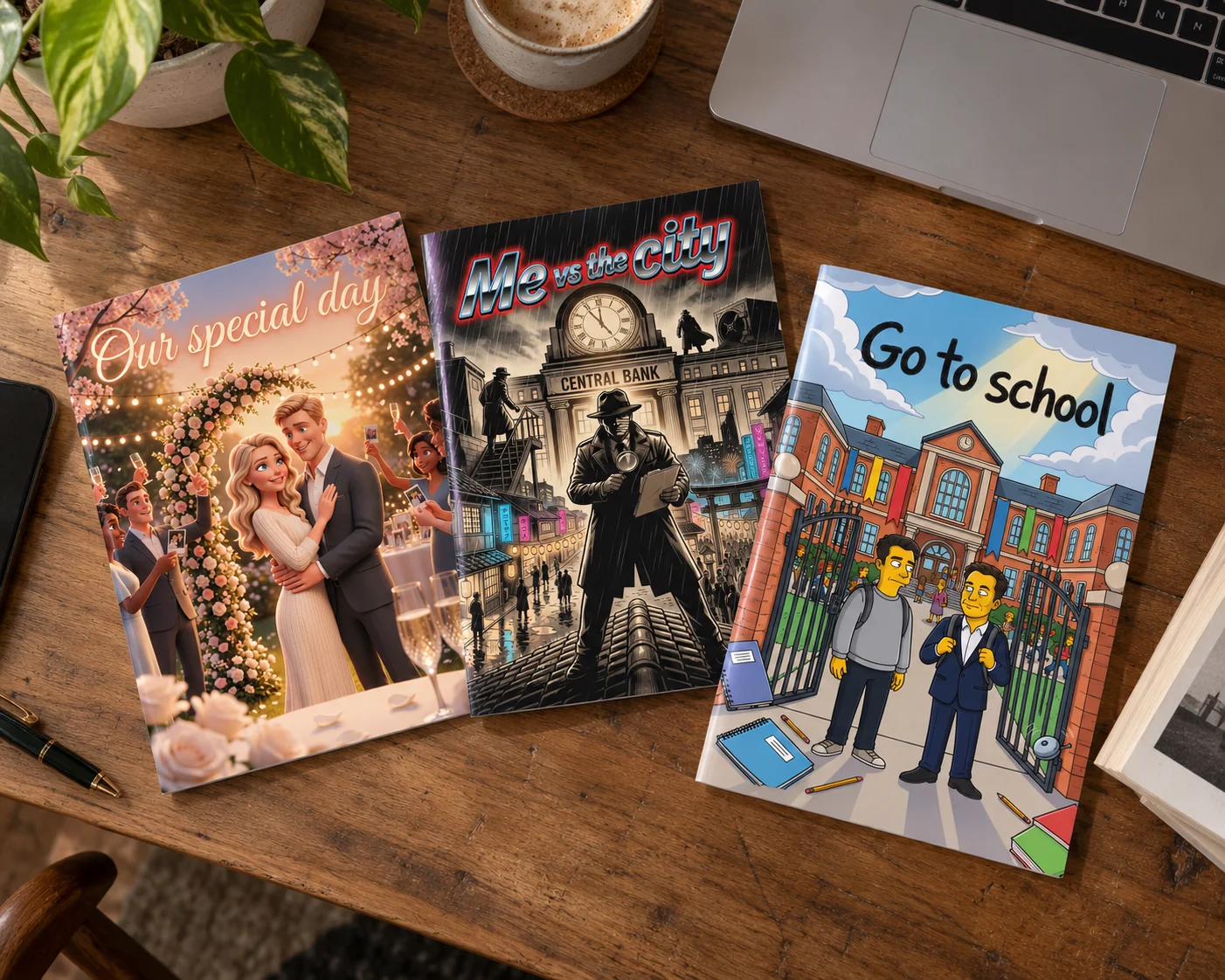
Photo to comic FAQ
What people ask before turning their photos into a comic.
Can I turn any photo into a comic?
Any photo where the face is clearly visible works, including selfies, old prints and group shots. For groups, upload one photo per person for the best likeness.
Will the comic character really look like me?
Yes. myComics builds the character from your face and keeps it the same in every panel and every style, so friends recognize you on every page.
Is this a cartoon filter?
No. A filter restyles one picture. myComics creates a full comic book of 20+ pages, with a story, panels and dialogue, starring the people in your photos.
Can I put several people in one comic?
Yes. Add a character for each person from their own photo, then tag who appears in each scene.
Is it free to turn a photo into a comic?
You can start for free with no credit card and see your character and first pages before deciding to continue.
Can I keep the comic private?
Yes. Read it online, share a private link only with the people you choose, download it as a PDF or order it printed.
Can I print the comic made from my photos?
Yes. Order it as a printed A5 book on premium paper, shipped to your door, or download it as a PDF.
Your photo, as a comic hero
Upload a selfie and see yourself in your first comic pages in minutes.