How to Make a Comic Book Without Drawing: 5 Ways, Including Free Ones
You do not need to draw to make a comic book. You need a story, a way to get pictures, and a layout. Here are five ways to get the pictures, what each one is good at, and a step by step for making your first comic tonight.
Last reviewed . Written by our editorial team from our own product knowledge and general, publicly available information about the other routes (comic makers, photo comics, tracing, working with an artist). The opinions are ours. We make myComics, one of the tools discussed, so weigh our view of it accordingly.
By the myComics.ai Editorial Team7 min read
How to guide · 5 methods · Editorial disclosure

Quick answer
- Making a comic needs three things: a story, pictures and a layout with balloons. Only the pictures usually need drawing, and there are five ways around it.
- The five ways: an AI comic generator (from photos, a prompt or a script), a comic maker with ready made characters, a photo comic made from real photos, tracing over photos, or teaming up with an artist.
- For a comic starring real people, use AI that builds characters from photos. For a school project or a quick strip, a comic maker or a photo comic is simpler. For a personal art project, tracing teaches you the most.
- Several of these routes can be started for free. Whatever you pick, write the story in three sentences before opening any tool.
A lot of people who want to make a comic book stop at the same sentence: “but I can’t draw”. It is a reasonable worry and a slightly misplaced one. A comic is three things, a story, pictures and a layout with words, and only one of them traditionally needs a pencil. Plenty of comics are already split between a writer who never draws and an artist who does.
This guide covers five ways to get the pictures without drawing them, what each one suits, and a step by step that works for all of them. We make myComics.ai, one of the AI options below, so we have an interest in the first method. We have tried to be fair to the others, several of which are free and better for some jobs.
What do you actually need to make a comic book?
Before choosing a method, it helps to see what the job is.
A story. Not a script, just a shape: who it is about, what goes wrong, how it ends. Three sentences will do. This is the part nobody can do for you, and the part that decides whether anyone reads past page two.
Pictures. The panels. This is where drawing usually comes in, and where the five methods below differ.
A layout and words. Panels arranged on a page, speech balloons, captions, maybe a sound effect. Most tools handle this part for you, and it is easy to learn by hand.
A finish. A PDF, a page to share, or a printed book. Decide early if you want paper, because it changes the shape and the deadline.
What are the five ways to make a comic without drawing?
| Method | Pictures come from | Good for | Effort |
|---|---|---|---|
| AI comic generator | Photos, a prompt or a script | Full stories, real people as characters, gifts | An evening |
| Comic maker | Ready made characters and backgrounds | School projects, quick strips, explainers | An hour or two |
| Photo comic | Your own photos | Real memories, trip recaps, one page jokes | An evening |
| Tracing | Photos you trace over | Learning, personal art projects | Days |
| Writer plus artist | An illustrator or a friend who draws | Milestone gifts, publishing | Weeks |
1. An AI comic generator
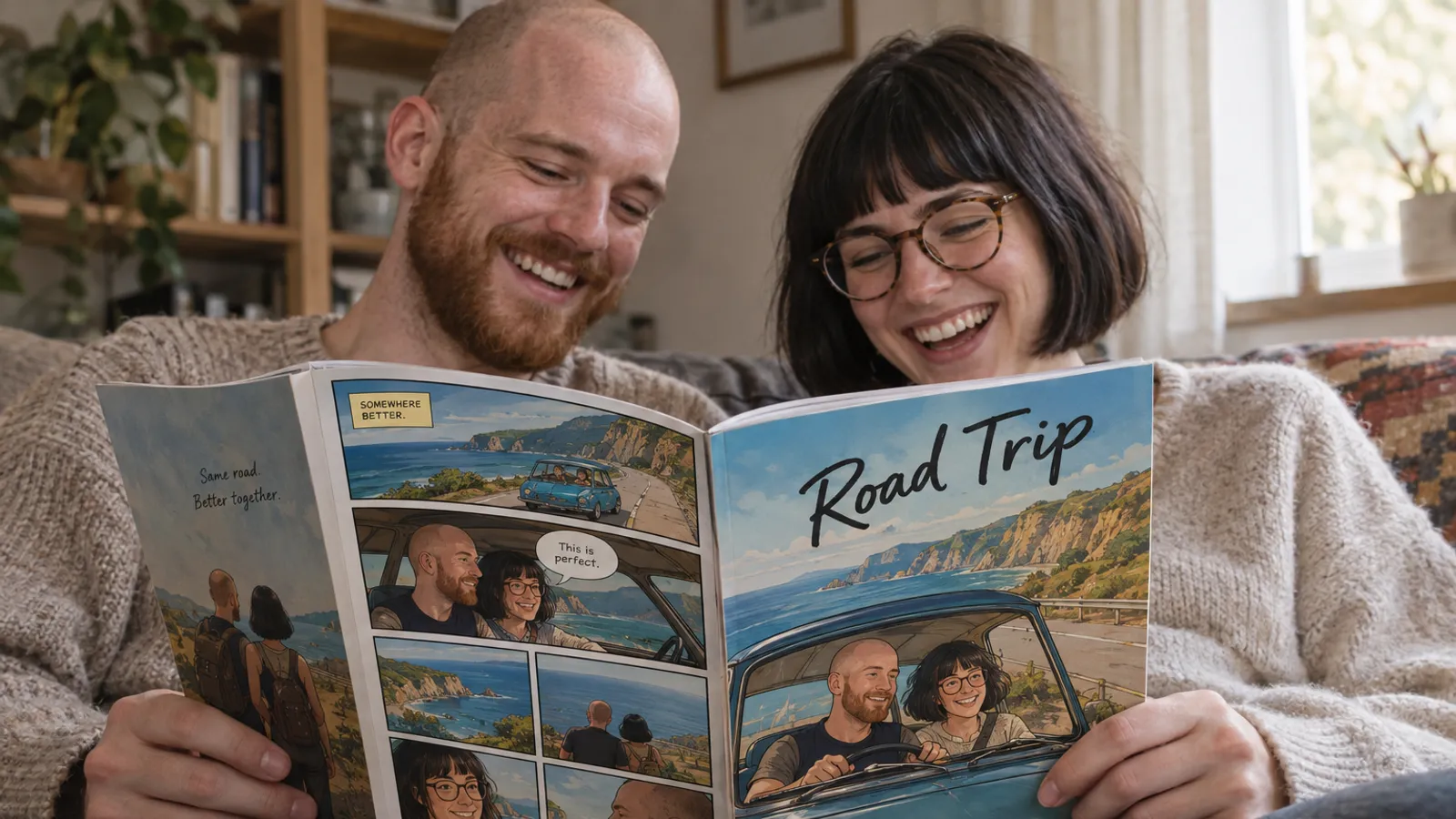
AI comic tools draw the art for you. They differ mostly in what they start from. Some take a text prompt and invent the characters; some take a script; photo based tools such as myComics build a reusable character from your photos so the same face holds across every panel. The better ones also handle the page layout and lettering, so you end with a finished book rather than a pile of images.
Good for: full stories, comics starring real people, gifts, anything you want to read tonight. Watch out for: the art is generated, so you give up some control over each panel. Likenesses are stylized rather than photographic. Check the terms if you plan to sell the result.
2. A comic maker with ready made characters
Comic makers such as Pixton and Storyboard That give you a library of characters, poses, backgrounds and balloons to arrange yourself. Nothing is generated; you drag and drop. They are predictable and quick to learn, which is why schools use them.
Good for: classroom projects, short strips, explaining a process, storyboards. Watch out for: the characters are generic, so your comic will not look like anyone you know, and the art style is the tool’s, not yours.
3. A photo comic
The oldest no drawing method: you take photographs, put them in panels and add balloons. Italian magazines built a whole genre on it, the fotoromanzo. It keeps your real pictures exactly as they were, and needs only a free layout app. We cover it step by step in our guide to photo comics.
Good for: trip recaps, family stories with real faces, one page jokes, school projects where students act out a scene. Watch out for: you can only show moments you photographed, so the story has to fit the camera roll.
4. Tracing over photos
Take photos, stage the poses if needed, and trace the outlines on paper or a drawing app layer. It is how many comic artists learned, and it gives you a result that is genuinely your own art.
Good for: a personal project, learning panel composition, anyone who would like to end up drawing. Watch out for: it is slow, and keeping characters consistent across pages takes practice.
5. Writing it and teaming up with an artist
You write; someone else draws. A commissioned illustrator, a friend who sketches, an art student. This is how most published comics are made.
Good for: milestone gifts, a comic you want to publish, a distinct artistic voice no tool has. Watch out for: weeks of lead time and skilled fees, which are fair for skilled work. Book early.

Which method should you choose?
Start from what you want to have at the end:
- A comic starring you, a partner, your kids or a friend. An AI tool that builds characters from photos. Nothing else gets real faces into invented scenes without drawing. Our page on turning photos into a comic shows how that looks.
- A school assignment or a quick explainer. A comic maker, or a photo comic if students can act it out.
- A record of something that really happened. A photo comic. The real pictures are the point.
- Something you want to be able to draw one day. Tracing.
- A book to publish, or the gift of a lifetime. Write it and work with an artist.
If you are leaning towards AI and want to compare tools, our breakdown of the best AI comic generators covers which suit real people and which suit invented casts.
How do you make your first comic book, step by step?
These steps work whichever method you picked. The AI route is described in detail because it covers the most ground in one evening.
1. Write three sentences. A beginning, a turn and an ending. “Dad has grown one perfect pumpkin. The crows have noticed. The village show is on Saturday.” That is a comic.
2. Decide the finish. A one page strip, a short PDF, or a printed book. A full myComics book is a cover, twenty story pages and a back cover, which is room for a real story with a turn in the middle.
3. Get your cast. For an AI comic based on real people, gather three to eight clear photos of each person: even light, the whole face visible, a couple of angles, no heavy beauty filters. For an invented character, write a short description, or design one first with our OC maker.
4. Pick a style. Style changes how a story reads. Cartoon suits family comedy and pets, superhero suits an adventure, noir suits a mystery or a deadpan joke, manga suits rivalries. myComics offers 16 styles; a comic maker or photo comic gives you one look, so choose your filter or character set with the same care.
5. Build the pages. With AI, give the premise and let the story unfold; in myComics it branches with choices you make. With a comic maker or photo comic, place one picture per story beat and give the most important moment the biggest panel.
6. Edit the words. Keep balloons short, one or two per panel, and use them for what the picture cannot show. In myComics you can rewrite any balloon and regenerate a page with an instruction.
7. Finish it. Read it online, export a PDF, or print it. For a gift, work backwards from the date: printing and shipping take longer than making the comic.

What mistakes do beginners make?
Opening a tool before writing the story. Every method goes faster with three sentences written down. Without them, you end up with nice pictures and no comic.
Too many characters. Two or three people with clear roles read better than a crowd. Everyone you add needs a reason to be there, and with photo based AI, their own photos.
Long speech balloons. Comics are read at a glance. If a balloon needs more than two lines, split it or cut it.
Copying famous characters. Fine for a private joke, risky for anything you share or print, and less fun than inventing your own. If you want a hero, our superhero origin story generator helps you build an original one.
Weak source photos. For photo comics and photo based AI alike, a blurry or tiny face gives a poor result. Pick photos where your person is the subject.
Can you make a comic book without drawing for free?
Yes, with some routes entirely and with others to start. A photo comic in a free design or presentation app costs nothing. Tracing needs paper or a free drawing app. Comic makers and AI comic generators usually offer a free plan or free credits, with paid plans for more; check what each tool’s free version lets you export.
With myComics there is a free tier that includes credits, so you can build characters, pick a style and read real pages before paying anything. Paid plans and credit packs cover heavier use, and a printed book is ordered separately from the digital comic. Our free AI comic generator page is the quickest place to start.
Whichever route you take, the drawing turned out to be the optional part. The story never is.