Best AI Anime Generators in 2026: 10 Tools Compared by What You Want to Make
Niji, NovelAI, PixAI, local Illustrious models, ChatGPT and more. Ten anime generators sorted by the job they do best: one perfect illustration, a consistent original character, yourself in anime, or a whole manga with a story.
Last reviewed . Built from each tool's own documentation and release notes, linked in the text, plus our own knowledge of myComics. We make myComics, which is one of the ten, so read that section with that in mind. The ordering is our editorial judgment, not a benchmark, and we did not run a test lab.
By the myComics.ai Editorial Team12 min read
2026 ranking · 10 tools compared · Editorial disclosure
Quick answer
- There is no single best AI anime generator. There is a best one for each job: one stunning illustration, an original character you reuse, yourself redrawn in anime, or a whole manga with a story.
- For pure art quality, Midjourney with its Niji model is the usual benchmark. For anime specialists who like tags and fine control, NovelAI. For community models and training your own character, PixAI or SeaArt. For full control and no subscription, Illustrious or Animagine models run locally.
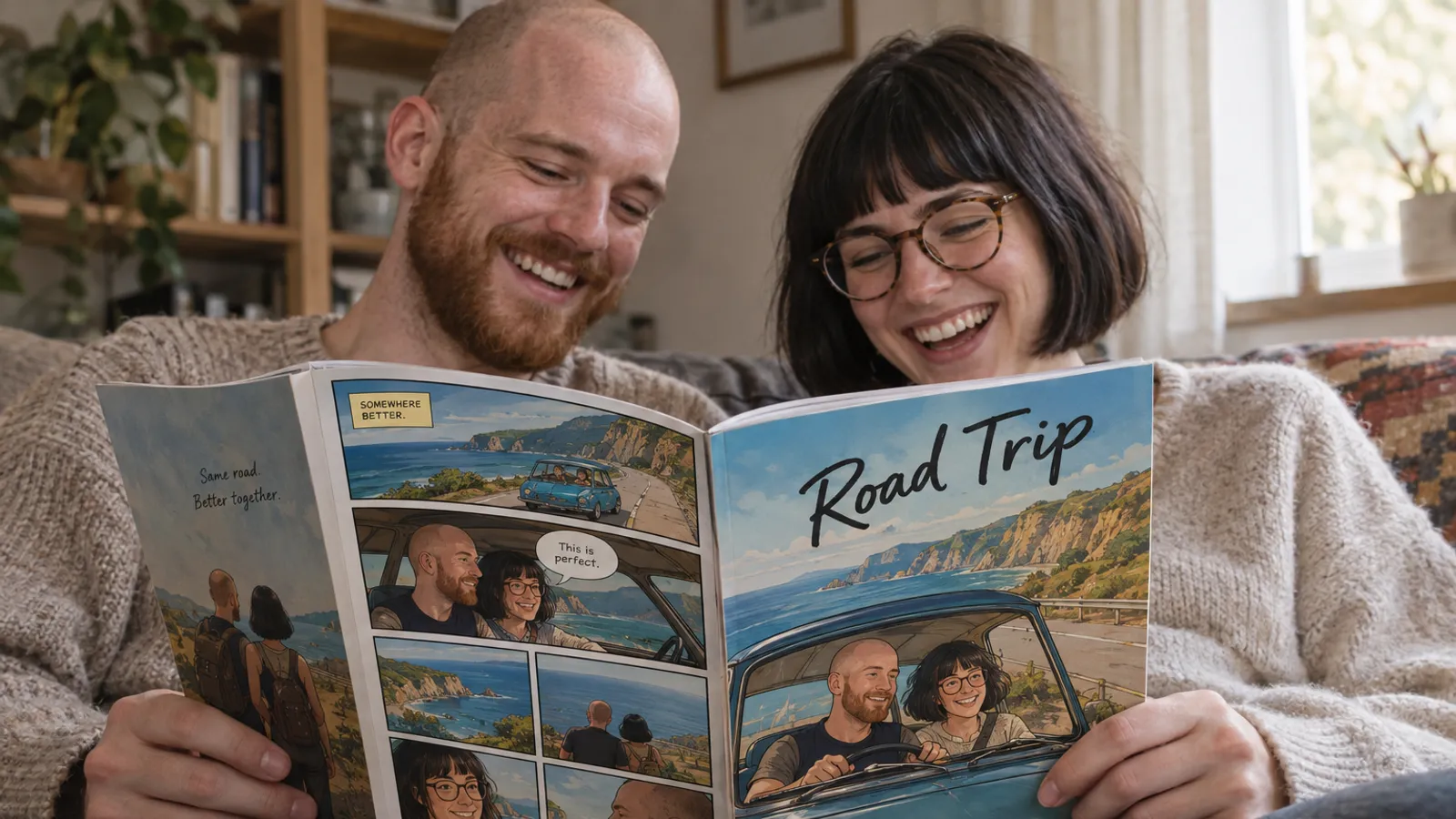
- For turning a photo of yourself or your friends into anime and then into a full anime comic with the same faces on every page, myComics.ai (which we make) is built for that job.
- Character consistency is the real test. Almost every tool makes a good single image; far fewer keep the same face across twenty pages.
- Before paying for anything, check the licence of the model you use, especially for commercial projects. It differs from tool to tool and from model to model.
If you searched for the best AI anime generator, you probably want one of four very different things: one stunning illustration, an original character you can draw again and again, yourself and your friends redrawn in anime, or a whole manga with a story. Most rankings mix these up and crown one winner. We think that is why so many people pick a tool, generate one beautiful image, and then get stuck the moment they want a second image of the same character.
So this comparison is organised by job. We make myComics.ai, which is one of the ten tools below, and we have said plainly where the others are the better choice. If you are after comics rather than anime specifically, our comparison of the best AI comic generators covers the wider field.
What is an AI anime generator?
An AI anime generator is a tool that produces images in the visual language of Japanese animation and manga: large expressive eyes, clean line art, cel shading, speed lines, screentones. Under the name sit at least four kinds of product:
- Text to anime image generators turn a written prompt into an illustration. Midjourney Niji, NovelAI, PixAI and SeaArt live here.
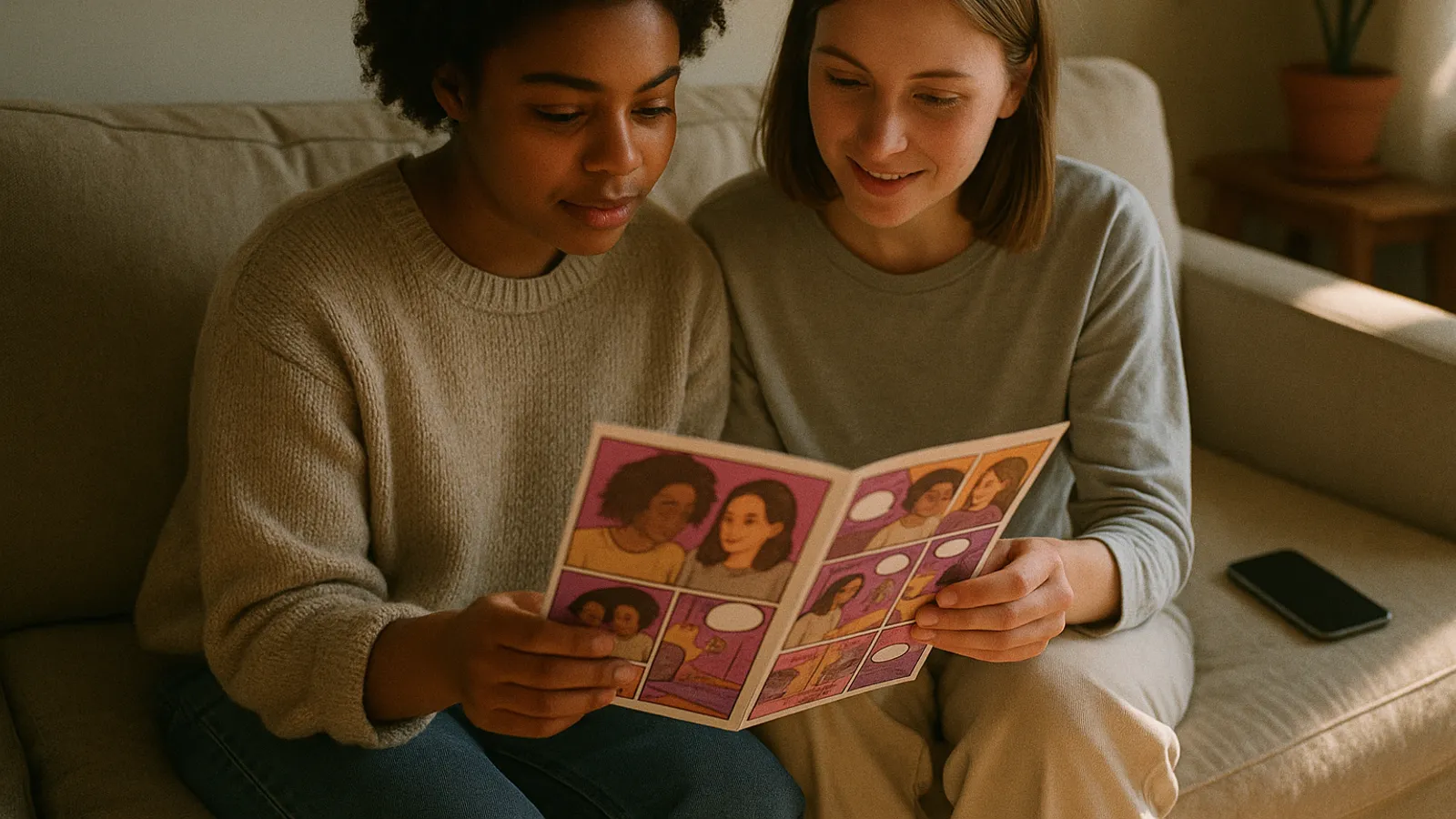
- Photo to anime tools redraw a real photo as an anime character. ChatGPT, many phone filter apps and the photo tool on our AI anime generator page do this.
- Local models such as Illustrious XL and Animagine XL run on your own computer through interfaces like ComfyUI, with total control and a real learning curve.
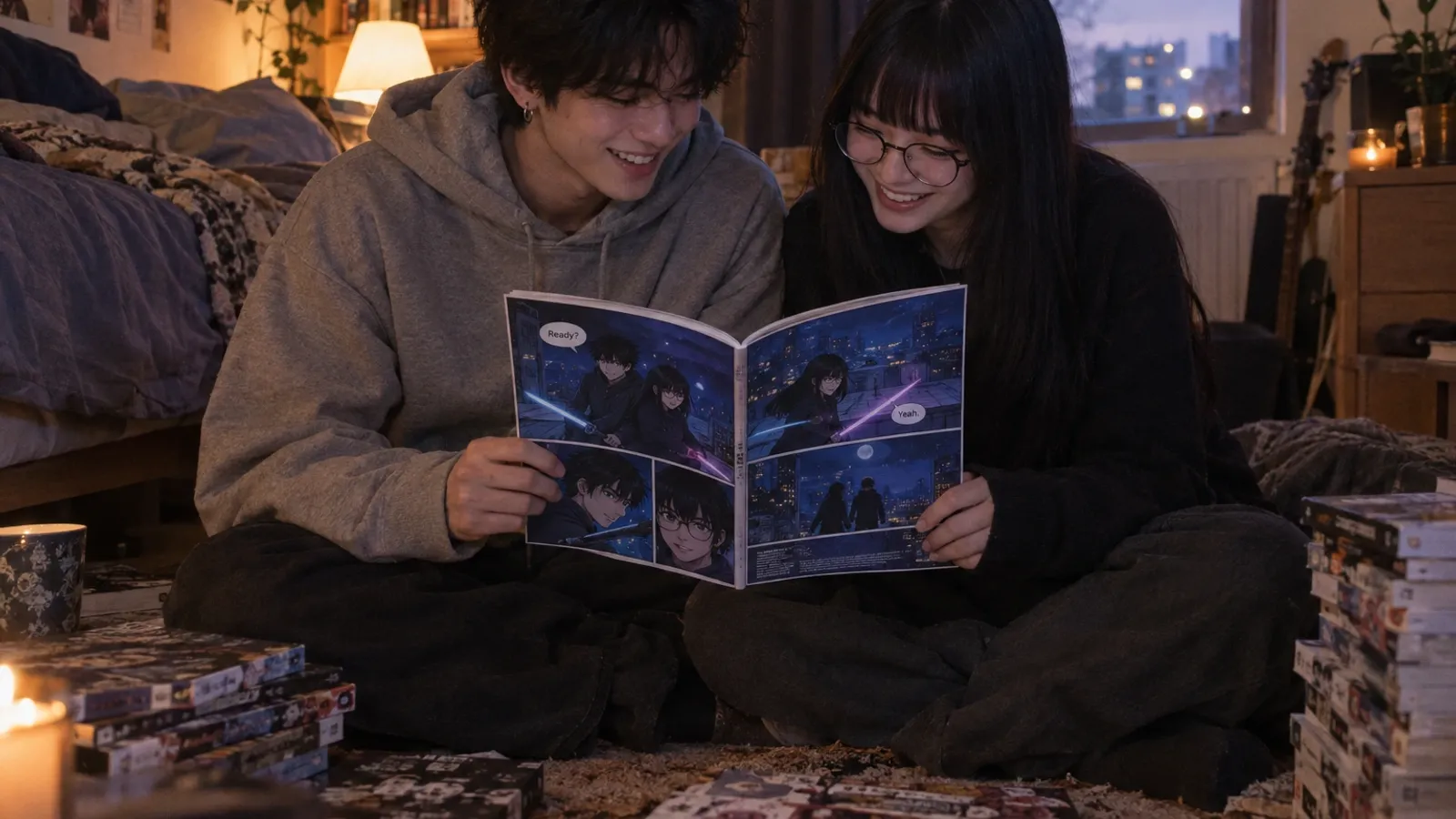
- Anime comic and manga tools turn a story into pages with panels, dialogue and the same cast throughout. Anifusion, Dashtoon and myComics sit here.
Knowing which of the four you need narrows ten tools to two or three before you open a single pricing page.
How did we compare the anime generators?
Five criteria, chosen because they are where anime tools actually differ.
Anime fidelity. Does it look like anime, or like a western illustration with big eyes? Line weight, eye construction, hair shapes and colour handling give it away instantly to anyone who watches a lot of it.
Character consistency. The same face, hair, outfit and markings across many images. This is the hard problem, and the one sample galleries hide best because a gallery shows single images.
Control. Tag based prompting, reference images, LoRA training, inpainting, pose control. More control means better results for patient people and a steeper start for everyone else.
Photo to anime. Whether the tool can start from a real person, and whether that person stays recognisable after the first image.
What you get at the end. A single image, a gallery of images, or finished pages with panels and lettering.
We left prices out of the ranking. Plans in this category change every few months, and each tool’s pricing page is the only reliable source.
Which AI anime generators made the list?
The short version first.
| Tool | Best for | Photo to anime | Character consistency | Control | What you get |
|---|---|---|---|---|---|
| Midjourney Niji 7 | The most polished single illustration | Via image references | Style and character references | Medium | Images |
| NovelAI | Anime specialists who like tags | Via image to image | Strong in multi character scenes | High | Images |
| PixAI | Community models and your own LoRA | Yes | Trained character LoRAs | High | Images, short video |
| SeaArt | Free daily generation, huge model library | Yes | Community and trained LoRAs | High | Images, video |
| Local models (Illustrious, Animagine) | Full control, no subscription | Yes, with setup | Your own LoRAs | Very high | Images |
| ChatGPT images | Quick photo to anime in a chat | Yes | Conversation context only | Low | Images |
| Leonardo AI | All round creators who want one tool | Yes | Character reference tools | Medium | Images, video |
| Anifusion | Manga pages with full panel control | Via references | Trained characters | High | Manga pages |
| Dashtoon | An original webtoon series | Via references | Saved characters | Medium | Webtoon episodes |
| myComics.ai | You and your friends in an anime comic | Yes, eight anime looks | Character built from photos, reused on every page | Guided | Character image, comic, PDF, printed book |
The order follows the four jobs above, from single images to finished comics. It is not a ranking of image quality.
1. Midjourney Niji 7: the most polished single illustration
Niji is Midjourney’s anime model, built with Spellbrush. Niji 7 launched in January 2026 with better coherence, more literal prompt following and improved style references. For eyes, hair highlights and clean, flat line work, it is the model many fans compare everything else against.
Choose it if you want one image to be as good as possible: a key visual, a wallpaper, a cover. Look elsewhere if you need dozens of images of the same character or finished pages. You will keep a face roughly stable with character and style references, then assemble everything else yourself.
2. NovelAI: for anime specialists who think in tags
NovelAI has trained its own anime models for years. According to its model documentation, the current V4.5 models accept both classic booru style tags and plain sentences, can place several distinct characters in one scene, and offer focused inpainting for fixing hands and details.
Choose it if you already know the tag vocabulary or want to learn it, and you care about authentic anime aesthetics and multi character compositions. Look elsewhere if you want pages, a story, or a tool that starts from your photo with no setup.
3. PixAI: community models and your own character
PixAI is an anime focused platform built around a model market: you pick from community checkpoints and LoRAs, and you can train your own LoRA on a character so it stays consistent. It also turns illustrations into short animated clips.
Choose it if you want to explore many anime styles and are willing to train a character once to reuse it. Look elsewhere if browsing thousands of models sounds like work rather than fun.
4. SeaArt: the free daily option with an enormous library
SeaArt offers a free allowance that refreshes every day, plus a very large library of community models and LoRAs, and supports training your own. For many people it is the cheapest way to make a lot of anime images.
Choose it if volume matters more than polish and you want to experiment freely. Look elsewhere if you need predictable results without trying several models first, and check the commercial use terms of each community model you rely on.
5. Local models: Illustrious XL and Animagine XL
Running anime models on your own machine is the power user route. Illustrious XL and Animagine XL are popular SDXL based anime checkpoints, usually run through ComfyUI or a similar interface, with a huge ecosystem of LoRAs for characters, poses and styles.
Choose it if you have a capable graphics card, enjoy tinkering, and want total control with no subscription. Look elsewhere if you want results tonight. The setup takes an evening, and licences differ between checkpoints: some forbid commercial use, so read each one.
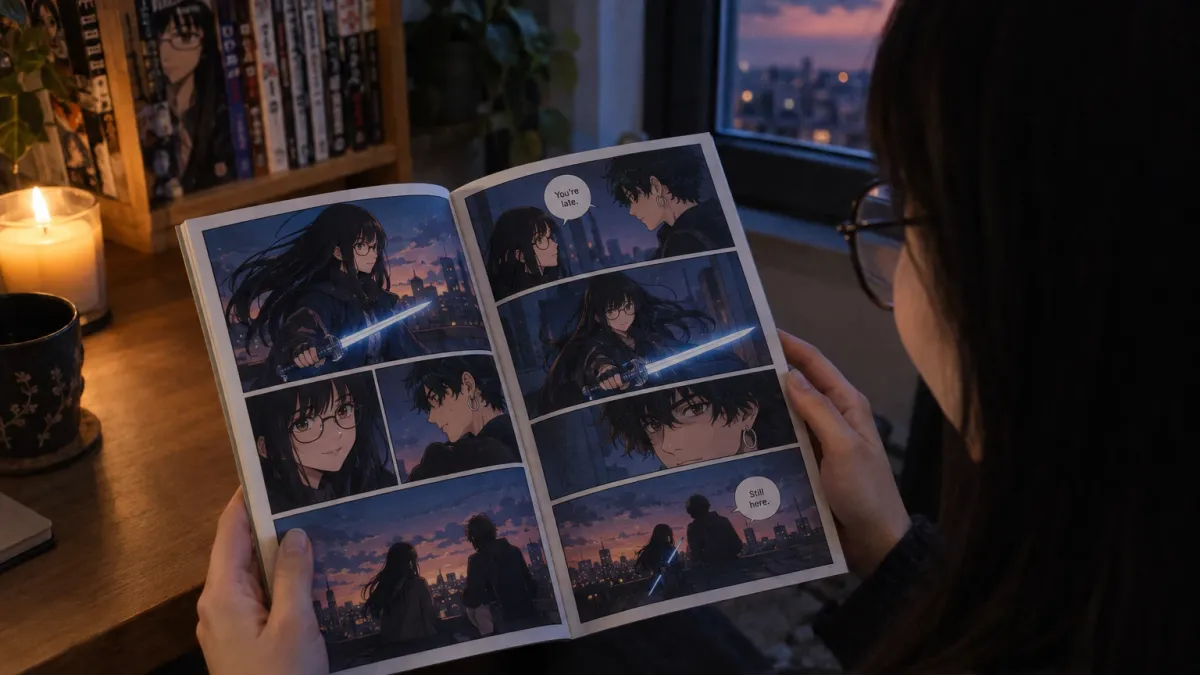
6. ChatGPT images: quick photo to anime in a chat
Many people made their first anime image in ChatGPT. When OpenAI launched image generation in GPT-4o in March 2025, photos redrawn in a soft hand painted style went viral within days, along with a loud debate about imitating a living studio’s style.
Choose it if you want one quick anime version of a photo and you already use ChatGPT. Look elsewhere if you need the same character across many images. Consistency depends on the conversation remembering the character, and over a longer series the face tends to wander.
7. Leonardo AI: the all rounder
Leonardo is a general creative platform with anime and illustration models, character reference tools, pose control and video. It is not anime first, but it covers most needs in one place.
Choose it if you make anime alongside other kinds of images and want one tool for all of it. Look elsewhere if anime is all you do; the specialists above go deeper.
8. Anifusion: for manga pages with full control
Anifusion is a manga workspace rather than an image generator: a canvas with panel layouts, trained characters, inpainting and manga lettering. You direct each panel yourself.
Choose it if you want to build manga pages with invented characters and enjoy controlling every frame. Look elsewhere if you would rather describe a story and edit the result. We compare the two approaches on our Anifusion alternative page.
9. Dashtoon: for an original webtoon series
Dashtoon is built around vertical scrolling episodes and its own reader, with saved characters so an invented cast stays stable across chapters.
Choose it if you are writing an ongoing webtoon and want an audience on a platform built for the format. Look elsewhere if your project is a one off story or you want a printed book. More on the trade offs on our Dashtoon alternative page.
10. myComics.ai: you and your friends in an anime comic
This one is ours, so we will stick to facts. myComics starts from a person rather than a prompt. On the AI anime generator page you upload a photo, or describe a character, and pick one of eight anime looks: shonen, manga, shojo, chibi, webtoon, cyberpunk, dark fantasy or fantasy anime. Seeing the result needs a free account.
The difference shows up after the first image. myComics turns that person into a reusable comic character, so you can put the same face into a full anime comic in manga, battle anime, fantasy anime or chibi style, with up to six characters per story, each built from their own photo. You give the premise in one sentence or a full plot, myComics writes and draws the pages, and every speech bubble can be rewritten and any page regenerated with an instruction. You can read it online, download a PDF, or order a printed book.
Choose it if you want yourself, your partner or your friends as anime characters in a real story. It is also a strong pick when the comic is a gift, which our guide to AI comic generators for gifts covers. Look elsewhere if you want one perfect illustration (Niji or NovelAI do that better), full manual control of every panel (Anifusion), or an invented cast built purely from text, since a myComics comic character always starts from a photo. The result is a stylized likeness, and it depends on your photos: three to eight clear ones work best, as our guide to turning photos into a comic explains. If your character is invented, the OC maker builds a full character board first.
Which anime style should you pick?
Style changes how the story reads, not only how it looks. A quick guide for the looks most tools offer under some name:
| Style | What it is | Suits |
|---|---|---|
| Shonen | Bold action, spiky hair, power ups, rivals | Fights, tournaments, friendship arcs |
| Manga (black and white) | Ink, screentones, speed lines | Drama, mystery, a classic printed feel |
| Shojo | Soft colours, sparkles, big emotions | Romance, school stories, couples |
| Chibi | Big heads, tiny bodies | Comedy, kids, pets, cute gifts |
| Webtoon or manhwa | Full colour, clean modern faces | Romance, office life, vertical series |
| Cyberpunk | Neon, chrome, rain | Sci fi, hackers, night city plots |
| Dark fantasy | Curses, armour, red moons | Villains, isekai, RPG adventures |
| Fantasy anime | Painted skies and gentle magic | Journeys, family stories, slice of life |
A practical tip: pick the style that fits the story first, then the one you like looking at. A comedy drawn in dark fantasy style fights itself on every page.
How do you keep an anime character consistent?
This is where most anime projects stall, whatever tool you use. Four habits help everywhere.
- Fix the character before the scenes. Decide hair, eye colour, outfit and one distinguishing mark, write them as one fixed description, and paste it into every prompt unchanged.
- Make a character sheet. Front, side and back views plus the outfit details give every later image a reference. This is exactly what the OC maker produces for an original character.
- Use the tool’s memory, not your own. A LoRA in PixAI, SeaArt or a local model, a character reference in Niji, or a saved character in a story tool will hold a face far better than rewriting the prompt each time.
- Test two characters in one scene. The second face is where every tool shows its limits.
Is it fine to generate anime in a studio’s style?
The March 2025 wave of studio style images made this a mainstream question, and it is not settled. Three things are worth knowing before you share or sell anything.
Style imitation is contested. Copying a living studio’s or artist’s recognisable look is the part of AI anime that draws the strongest objection from artists, and many fans share it. Several tools, ours included, name their looks by genre rather than by studio for this reason.
Characters are a different matter from styles. Generating a recognisable copyrighted character, then selling it, is a much clearer risk than drawing your own character in a shonen style.
Licences vary by tool and by model. Hosted tools set their own terms for commercial use. Local and community models each carry their own licence, and some forbid commercial use outright. Read them; this is general information, not legal advice.
How should you test an anime generator before paying?
Ignore the galleries, ours included: every tool shows its best output. Instead, run the same quick test on your top two choices.
- Use your real character, your real photo or your real description, not an idealised prompt.
- Generate six images of the same character in different scenes and compare the first and the last. Drift shows up late.
- Put two characters in one image and check both faces.
- Try the output you actually need: a wallpaper, a page with dialogue, a PDF, a print.
- Read the free plan’s fine print on watermarks, resolution and commercial use.
Twenty minutes of this tells you more than any ranking, this one included. If the tool you want is free to start, our page on the free AI comic generator explains what a free plan typically lets you finish.
So which AI anime generator should you use?
Match the tool to the job. For one breathtaking illustration, Midjourney Niji 7 or NovelAI. For community styles and training your own character, PixAI or SeaArt. For full control without a subscription, Illustrious or Animagine running locally. For a quick anime version of a selfie, ChatGPT. For manga pages you direct panel by panel, Anifusion. For an original webtoon series, Dashtoon.
And if what you want is to see yourself and your friends as anime characters in a real story, with the same faces from the cover to the last page, that is the job we built myComics for. Try your photo on the AI anime generator, and if you want to go further than one image, the AI comic generator turns a one line idea into a full comic.