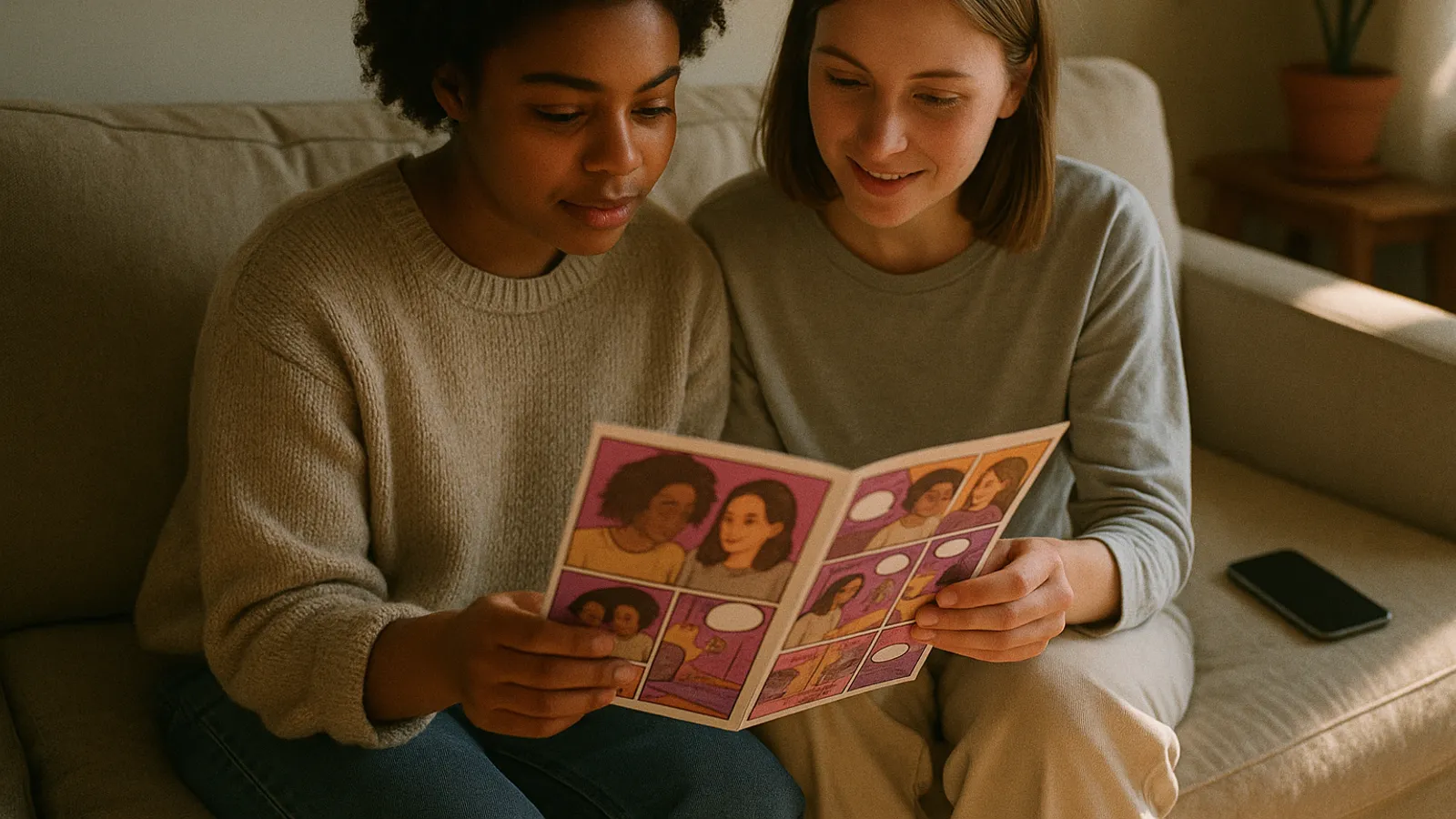
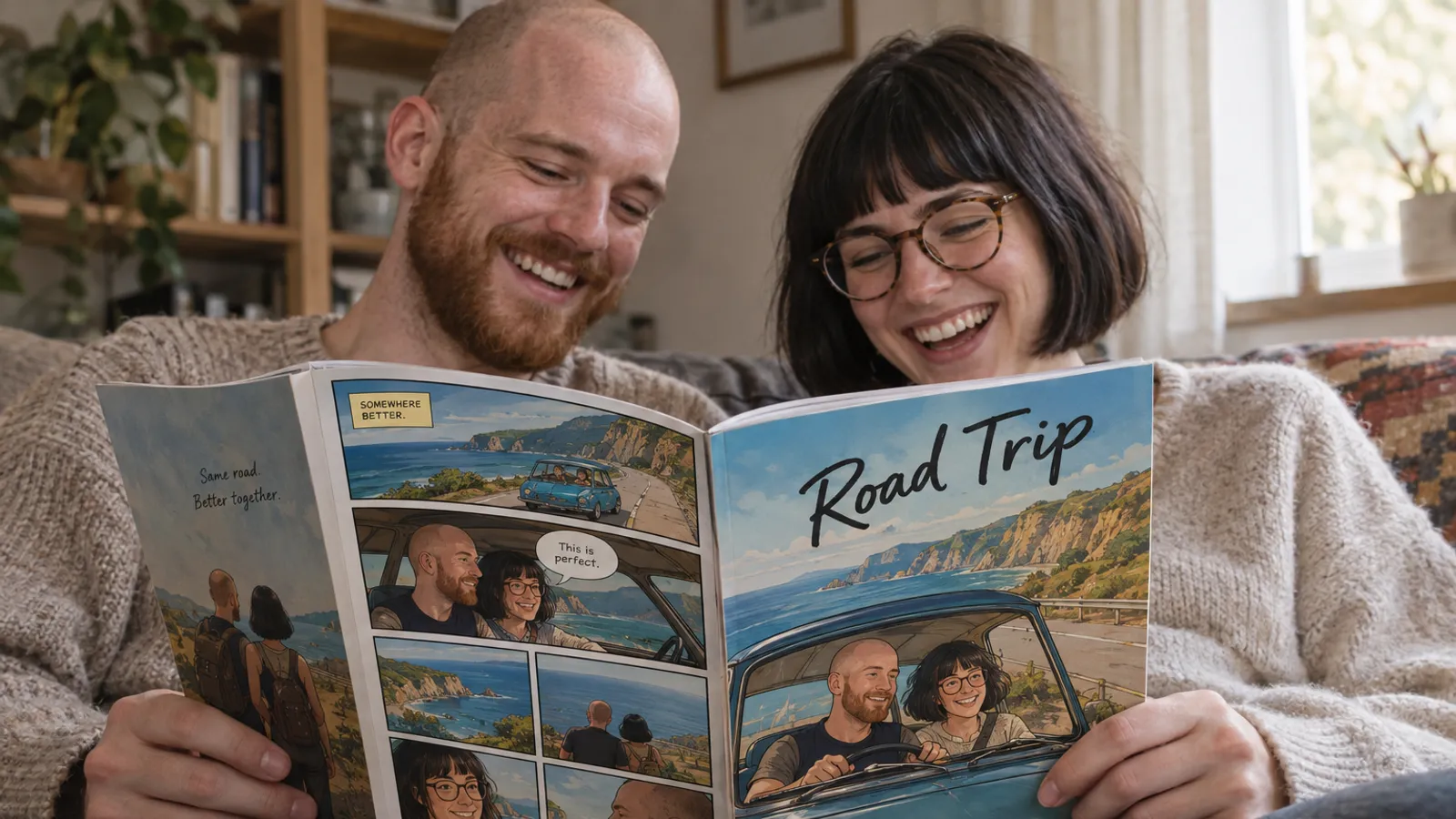
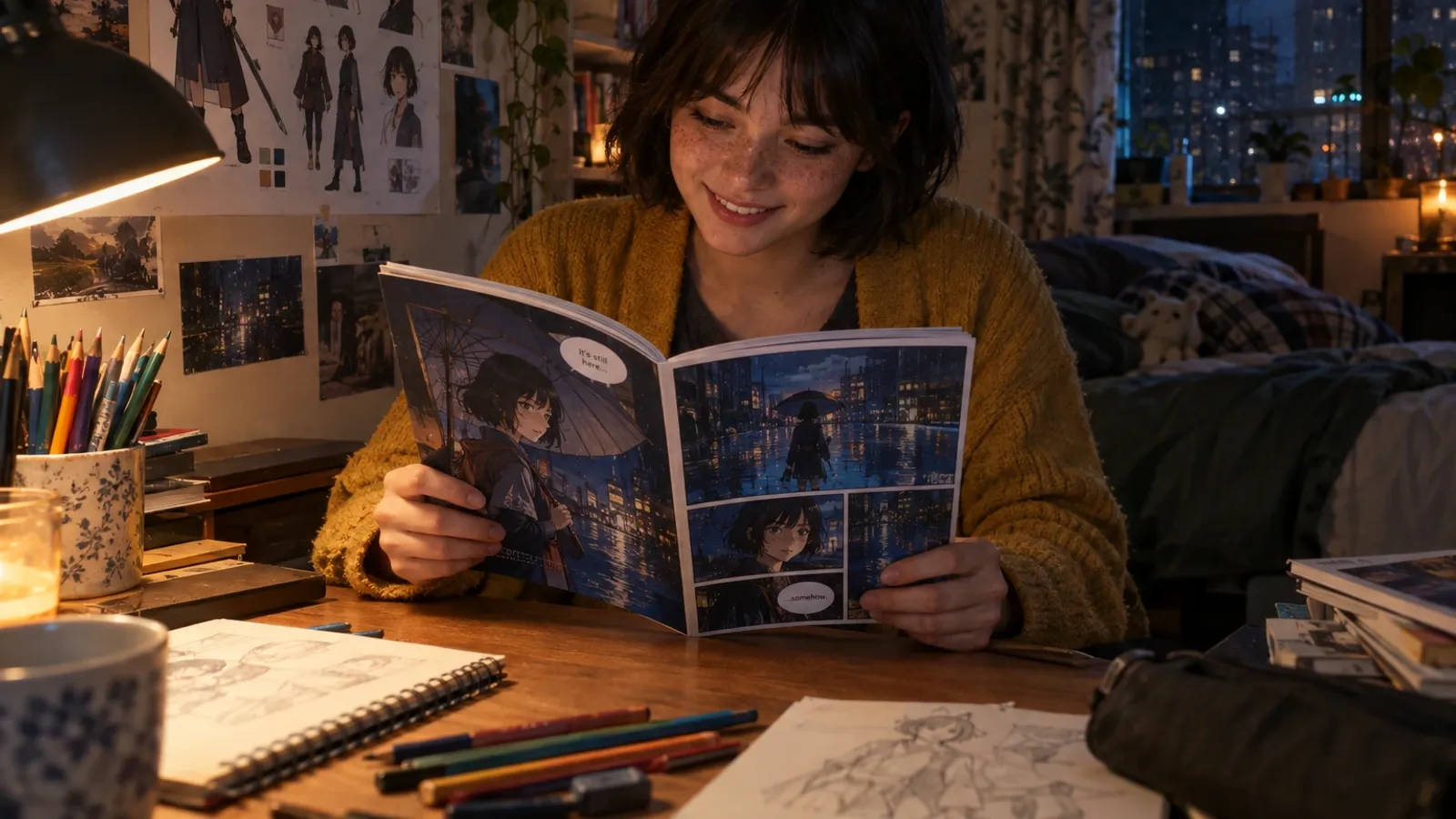
How to Turn Your Images Into Comics: Photos, Pets, Sketches and Old Prints
A selfie, a photo of your dog, a faded print from 1994 and a doodle on a napkin all count as images, and each one turns into a comic in a different way. Here is what works for each kind, by hand or with AI.
Last reviewed . Written by our editorial team from our own product knowledge and general, publicly available information about the manual routes (photo editors, layout apps, tracing). The opinions are ours. We make myComics, one of the tools discussed here, so weigh our view of it accordingly.
By the myComics.ai Editorial Team9 min read
How to guide · Editorial disclosure
Quick answer
- Start from what you want at the end: one comic style picture, a short strip made of your own pictures, or a whole story with the same faces on every page. Each needs a different route.
- A single image becomes one comic panel with a filter. Several images arranged in panels with speech balloons become a photo comic, which you can make by hand in an evening.
- For a story where people or pets are redrawn in new poses, you need a tool that builds a character from three to eight clear photos of each one.
- Sketches and drawings work best as a reference for designing a character, not as something to redraw panel by panel. Old prints work if the face is clear, so scan them properly first.
“Images” covers a lot of ground. When people tell us they want to turn their images into a comic, the folder they have in mind might hold selfies, a hundred photos of the dog, a box of scanned prints from their parents’ wedding, a sketchbook, or a pile of screenshots from a group chat. All of those can end up in a comic, but not in the same way, and treating them the same is where most attempts go sideways.
We make myComics.ai, which is one of the ways to do this, so we have an interest. We have tried to write the guide we would want to read before choosing, which means the routes that need no AI at all come first. If you specifically want the photo selection details for people, we cover those at length in our guide to turning photos into a comic book. This one is about the wider question: what kind of image you have, and what it can become.
What do you want at the end?
Three quite different results are all called “turning images into comics”. Decide which one you want before choosing a tool, because each one points somewhere else.
One comic style picture. You take a single image and give it inked lines, flat colour and halftone dots. Great for a profile picture, a card or a poster. A filter or photo editor does this in seconds.
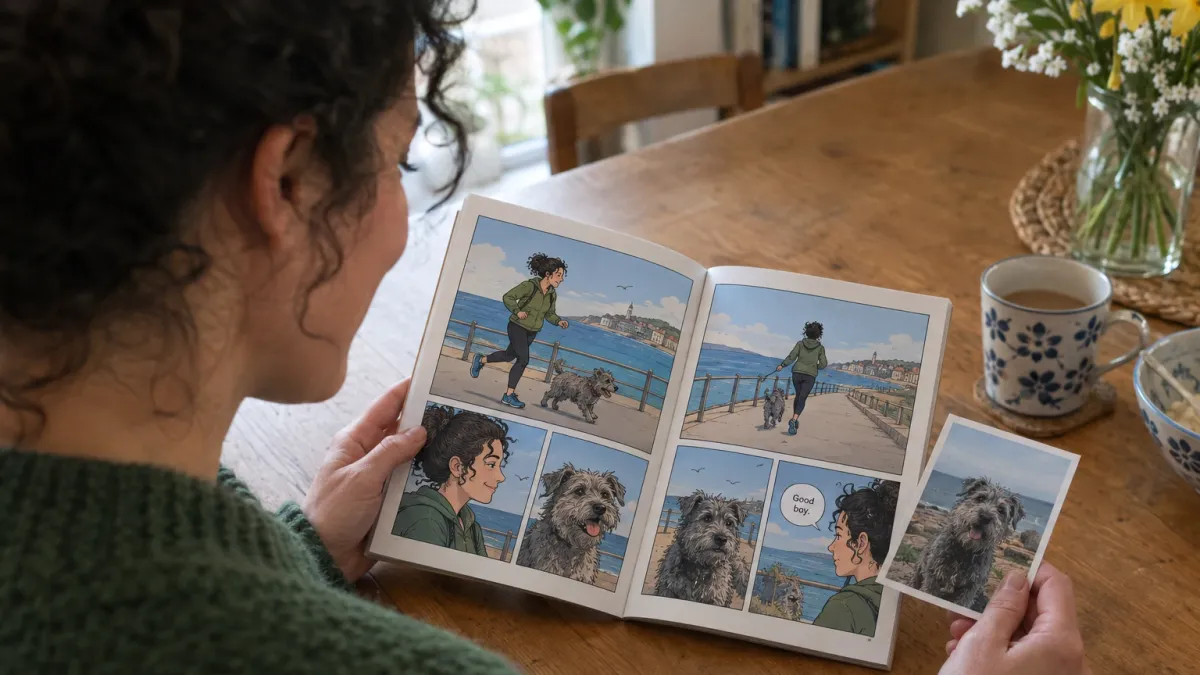
A strip made of your own pictures. You take several real images, arrange them as panels and add speech balloons. Your photos stay recognisably your photos; the comic comes from the layout and the words. Italians call this a fotoromanzo, and it is older than most of the apps that now do it.
A story with the same characters on every page. The people or the pet in your images are redrawn in new poses, new places and new expressions, page after page. That is a comic book in the full sense, and it needs a character built from your images rather than a filter applied to them.
| What you want | Best route | Effort |
|---|---|---|
| One striking image | Comic filter or photo editor | Minutes |
| A short strip from real moments | Photo comic in a layout app | An evening |
| A full story with consistent faces | AI character tool or an illustrator | An evening with AI, weeks with an artist |
| A character designed from a drawing | Character design tool, then a comic | About an hour to start |
How do you turn one image into a comic picture?
This is the simplest case, and you may not need anything new. Most photo editors and many phone camera apps have a comic or cartoon effect. If yours does not, the manual version is a short recipe that works in most editors:
- Raise the contrast until the shadows go solid and the highlights go clean.
- Reduce the colours with a posterize or similar setting, so skin and sky become a few flat areas instead of smooth gradients.
- Add an outline by layering an edge detection or “find edges” effect on top in a dark blend mode.
- Add halftone dots to the midtones if you want the printed comic look.
The result is honest about what it is: the same photo, restyled. It cannot show the person from another angle or put them somewhere else. For a single panel that is fine. For page two, you need one of the other routes.
How do you make a comic strip from several images?
This is the most underrated option, and the only one that keeps your real pictures exactly as they were. It suits trip recaps, a funny afternoon, the story of how a family pet got its name.
Pick a small story, not a highlight reel. Four to six images with a beginning, a turn and an ending work far better than twelve nice photos. A good test: could you tell it out loud in three sentences?
Make them look like one comic. Crop every image to the same shape, then apply the same filter or preset to all of them. Mixed lighting and colour is what makes a photo comic look like a collage.
Lay out the panels. Any design app, presentation tool or layout app with a grid will do. Leave thin, even gutters between panels and give the most important moment the biggest frame.
Add balloons last. Short lines, one or two per panel, placed so the balloon tail points at the speaker’s mouth. A caption box at the top of the first panel (“Saturday, 7am”) does a lot of work.
What this route cannot do is invent a moment you did not photograph. If the story needs a scene that never happened, or the dog piloting a spaceship, you need someone or something to draw it.
What works for each kind of image?
If you are going for a full story, the kind of image you start from matters more than the tool. Here is what we would do with each.
Selfies and everyday photos of people
The best starting point for a character. Aim for three to eight photos per person, with the whole face visible, even light and a couple of different angles. Skip heavy beauty filters, since they have already changed the face you are trying to capture. Each person becomes their own character, so a couple or a family means one small set of photos each.
Photos of pets
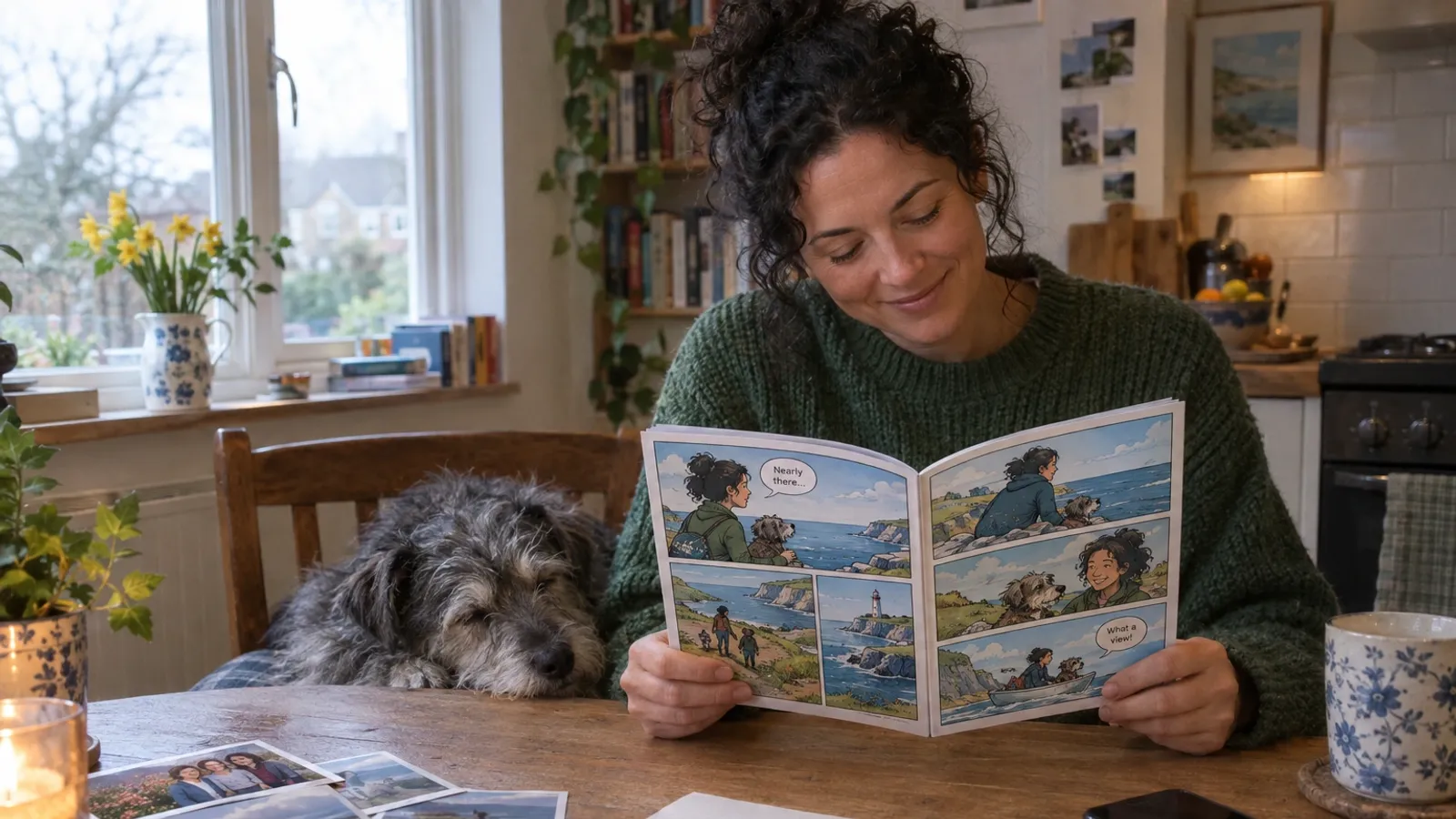
Dogs and cats work much like people, and the pet comic route is one of the most popular for gifts. The difference is practical: pets do not hold still. Look through your camera roll for calm, well lit shots where the face and markings are clear, rather than action shots that are mostly blur. Distinctive features, such as one floppy ear or a white patch over one eye, are what make the drawn version read as your pet, so make sure at least one photo shows them clearly.
Old prints and family photos
These can be wonderful, for a grandparent’s life story or an anniversary, and they need a little care. Scan the print instead of photographing it at an angle under a lamp, which adds glare and distortion. Crop to the person you want, since a face that is a few pixels wide in a group shot gives very little to work from. Faded colour is not a problem; a blurred or shadowed face is. If you only have one usable picture of someone, expect a looser likeness than you would get from several.
Sketches, doodles and children’s drawings
A drawing is a different kind of source. It already is a character design, just an incomplete one: it shows one pose from one side. The useful move is to treat it as the reference for a character, keeping its colours and main features, and let a design step fill in the front, side and back views, outfit details and palette. Our OC maker does exactly that from a sketch, a photo or existing art, and the finished character can then go into a comic. A child seeing their own drawing become the hero of a story is one of the nicest results we know of.
Screenshots, memes and other people’s art
The weakest starting points. Screenshots are usually low resolution and full of interface clutter, and a meme’s joke rarely survives being redrawn. Art made by someone else raises a different issue: it is their work, so use it as inspiration for your own character rather than uploading it as a source unless you have their permission.
What does the AI route look like, step by step?
In myComics, and in character based tools in general, the process for a full story runs roughly like this:
- Upload your images for each person or pet who will appear.
- Check each character before any pages are drawn. If a likeness is off, swap in better photos now; it takes a minute here and a lot longer after twenty pages.
- Pick a style. myComics offers 16, from superhero and manga to noir, cartoon, horror and pixel. Decide early, since style shapes which stories land well. A cartoon look suits pets and kids; noir suits a mystery or a deadpan joke.
- Give the story a premise. One sentence is enough to start: the occasion, the tone, roughly what happens. You do not need to plan panels.
- Steer it as it goes. The story branches and you choose what happens. You can rewrite any speech balloon and regenerate a page with an instruction.
- Read it, download it or print it. Read online, export a PDF, or order a printed copy.
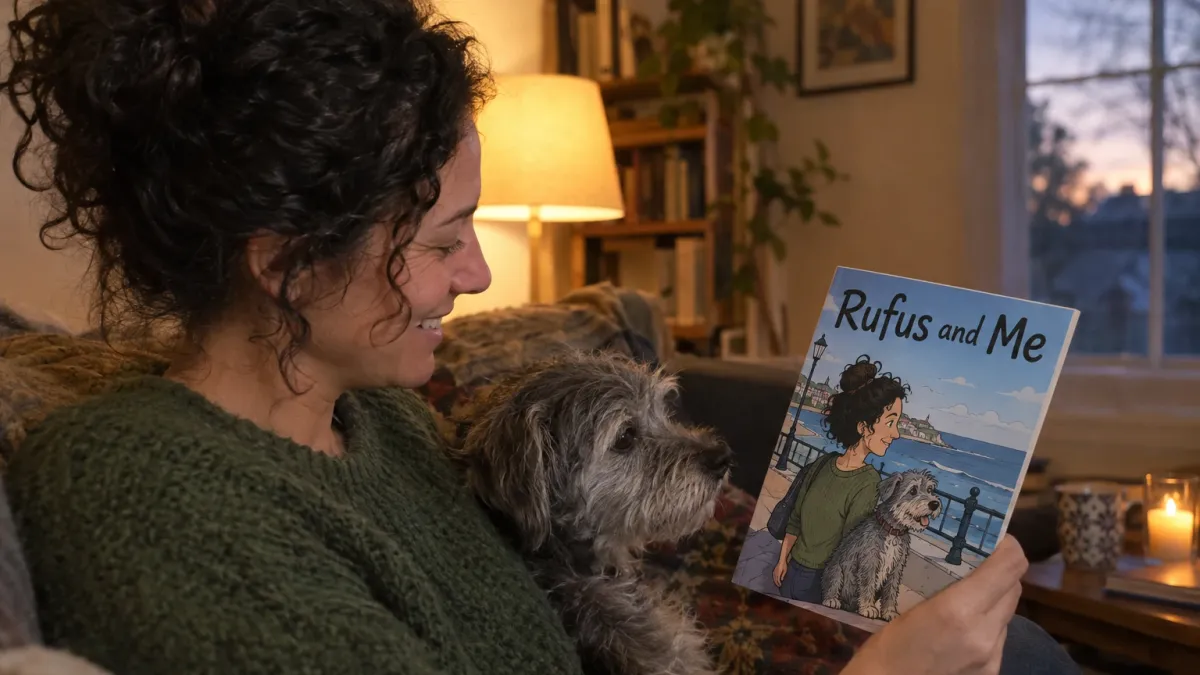
A full book is a cover, twenty story pages and a back cover, so it has room for a real story rather than a single gag. That is the main difference from a filter: the people in your images get to do things.
Where does it usually go wrong?
Expecting one image to carry a whole book. One frontal photo gives a tool very little to draw a side view from. For a story, give it a few angles.
Mixing routes halfway. Starting a photo comic and then wanting invented scenes, or starting an AI comic and then wanting the real photos in it. Pick the result you want first.
Using the group photo. The wedding shot with eleven people in it is the one everyone reaches for. Crop it, or find a picture where your person is the subject.
Over writing the story. A premise and a tone work better than a script. Leave room for the story to surprise you, and edit the balloons afterwards.
Forgetting the print deadline. For a gift, making the comic is rarely the slow part. Shipping a printed copy is, so work backwards from the date and leave a margin.
When is a different option better?
We would rather you end up with the right thing than with our product.
- If the photos themselves are the point, a photo book or a photo comic keeps them exactly as they were. For a baby’s first year or a grandparent’s life, the real pictures are often more moving than any drawing.
- If you want one picture for a profile or a card, a filter is faster and simpler.
- If the occasion is a milestone and the budget allows, a commissioned illustrator brings authorship and a distinct artistic voice no tool has. Book early, good illustrators are busy.
- If you enjoy drawing, tracing over your own photos is a lovely way to learn comics, and a hand drawn four panel strip has a charm of its own.
The AI route makes sense when you want a full story with consistent faces, including scenes that never happened, and you would like to see it tonight rather than in a few weeks. If you want to compare tools first, we keep a breakdown of the best AI comic generators, and if the end goal is a gift, our page on the personalized comic book explains what the printed version looks like.
How long does it take, and what does it cost?
A single filtered image takes minutes and usually costs nothing beyond an app you already have. A photo comic takes an evening, mostly spent choosing pictures and writing balloons. An illustrated comic from an artist takes weeks and costs what skilled work costs, which is fair.
With myComics there is a free tier with credits, so you can build a character from your images and see real pages before paying anything. Paid plans and credit packs cover heavier use, and printing is ordered separately from the digital comic. Most people spend more time choosing which photos to use than waiting for the pages, which is the right way round: the images you start from decide most of what you get.