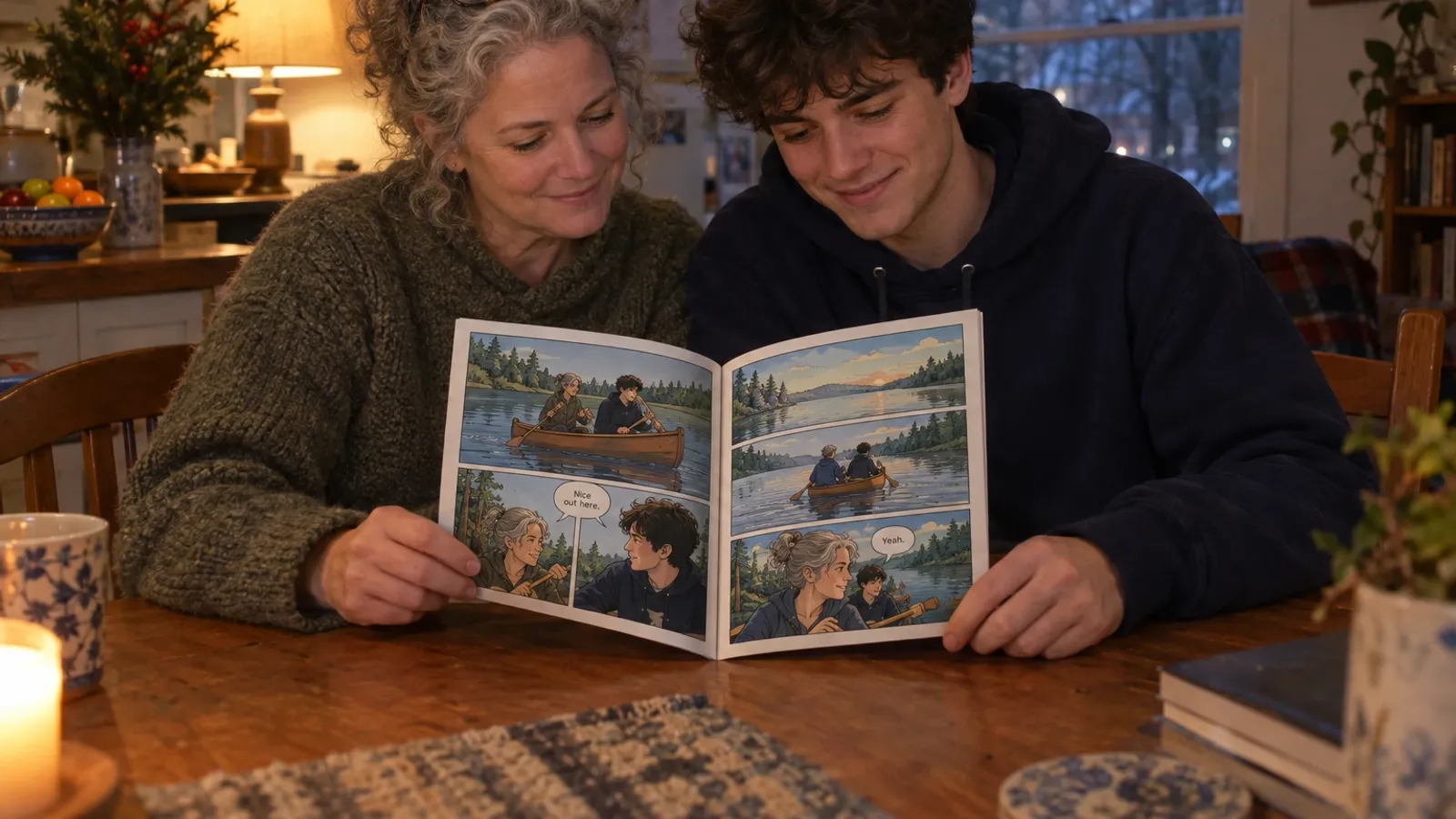
Best Comic Generator Apps for iPhone and Android in 2026
Making a comic on a phone in 2026 can mean an AI app that writes and draws a whole book from your photos, a chat assistant that sketches a strip, or a drawing app with panel tools. Which app fits which comic, on iPhone and Android.
Last reviewed . Put together from each app's public store listing and product pages, plus our own knowledge of myComics. We make myComics and its apps, so weigh that section accordingly. The picks are our editorial judgment, not a benchmark, and we did not run a test lab.
By the myComics.ai Editorial Team9 min read
2026 guide · iPhone and Android · Editorial disclosure

Quick answer
- Comic generator apps on a phone fall into three groups: AI story apps that make a whole comic, general AI chat apps that make single images or strips, and drawing apps with comic tools for people who draw.
- For a comic starring real people from the photos already on your phone, the myComics app (which we make) for iPhone and Android is built for that job: it turns photos into characters and keeps the same faces across the whole story.
- For a quick one page joke or storyboard, the ChatGPT and Gemini apps are fast and you may already have them. Over a longer story the characters tend to drift.
- For drawing your own comic on a phone or tablet, ibis Paint X, MediBang Paint and Clip Studio Paint are the usual picks; Procreate on iPad. For a photo scrapbook with speech balloons, Comic Life.
- Pick the kind of app first, then test it with your own photos or your own character before paying for anything.
Most comics made in 2026 start on a phone. That is where the photos are, where the idea shows up on the bus, and where you will probably read the result. So it makes sense that “comic generator app” is what a lot of people search for. The trouble is that the phrase covers apps that have almost nothing in common: one writes and draws an entire book from your camera roll, another makes a single image when you ask nicely, another is a professional drawing workbench that happens to fit in your pocket.
This guide sorts them by what you want to end up with, names the apps worth installing in each group, and says which comic each one suits. A disclosure first: we make myComics.ai and its iPhone and Android apps, and they appear below. Read that section knowing who wrote it. If you want the wider picture, including web tools and classroom makers, our guide to the best comic generators of 2026 covers the whole field.
What kinds of comic apps are there?
Three groups, ordered from “does the most for you” to “does the least”.
AI story apps. You bring the characters, usually from photos, and an idea. The app writes the story, draws the pages and letters the balloons, with the same cast on every page. This is the group most people mean when they search for a comic generator app.
AI chat and image apps. General assistants such as ChatGPT and Gemini that can draw on request, comic panels included. Very good at one image, with no real idea of what a chapter or a book is.
Drawing apps with comic tools. For people who draw. Panel borders, lettering, screentones and export for print. The art is yours; the app takes care of the tedious parts.
| Kind of app | You provide | The app provides | Typical result |
|---|---|---|---|
| AI story app | Photos, a premise | Story, art, lettering, pages | A finished comic you can read, export or print |
| AI chat app | A prompt per image | Single images or a short strip | Panels you assemble yourself |
| Drawing app | The drawing | Panels, lettering, print tools | Whatever you can draw |
The most common mistake is crossing groups by accident. Someone who wants a finished book about their family spends an evening prompting a chat app one panel at a time, or someone who wants to learn to draw installs an AI app and wonders why they never pick up a stylus. Choose the group first and most of the decision is made.
How did we pick the apps?
The same four questions for every app.
Does the character stay the same? The same face, hair and clothes from the first panel to the last. On a small screen it is easy to miss drift until you read the whole thing.
Does it work well on a phone? Some apps are a full product on mobile; others are a reduced version of a desktop tool. We note which is which where it matters.
What do you hold at the end? A comic inside the app, loose images in your gallery, a PDF, or a printed book. These are different things.
How long until a first timer is happy? An AI story app can give you a comic the same evening. A drawing app gives you a skill, which takes rather longer.
We left prices out on purpose. App plans and in app purchases change often, and each store listing is the reliable place to check, including whether there is a free way to start.
Which AI comic generator apps are worth installing?
myComics: comics starring the people in your photos
Ours, so we will stick to what it does. The myComics app is on the App Store for iPhone and on Google Play for Android, and it is the same product as the website, so an account works in both places.
You pick photos of each person from your camera roll, three to eight is the practical range, and the app builds a reusable comic character for each one. That character is what gets redrawn in new poses and scenes on every page, so the face holds across the story. Several people can share a comic, each built from their own photos. You choose one of sixteen styles, from superhero and manga to detective noir, horror, chibi and pixel, give the story a premise in a sentence or a full plot, and steer it through choices as it unfolds. Comic text can be written in fifteen languages.
A full book is a cover, twenty story pages and a back cover. You can read it in the app, export a PDF, or order a printed copy, which is ordered separately from the digital comic.
Choose it for gifts, couples, family stories, trips, a kid who wants to be the hero: anything where the reader should recognize the face. Look elsewhere for an invented cast in a long running series, or full manual control over every panel. The result is a stylized likeness, closer to a caricature artist’s take than to a photograph, and blurry or heavily filtered photos give a weaker character. Our guide to turning photos into a comic covers the photo step in detail.
Dashtoon: webtoon series
Dashtoon is built around vertical scrolling episodes and pairs creation with its own reader, where series are published and followed. Its product pages describe saved characters so an invented cast stays stable across episodes. If you are planning an original series with an audience in mind it is a more natural fit than we are. Check which creation tools are in the mobile app and which are on the web before you commit to working on a phone. There is a longer comparison on our Dashtoon alternative page.
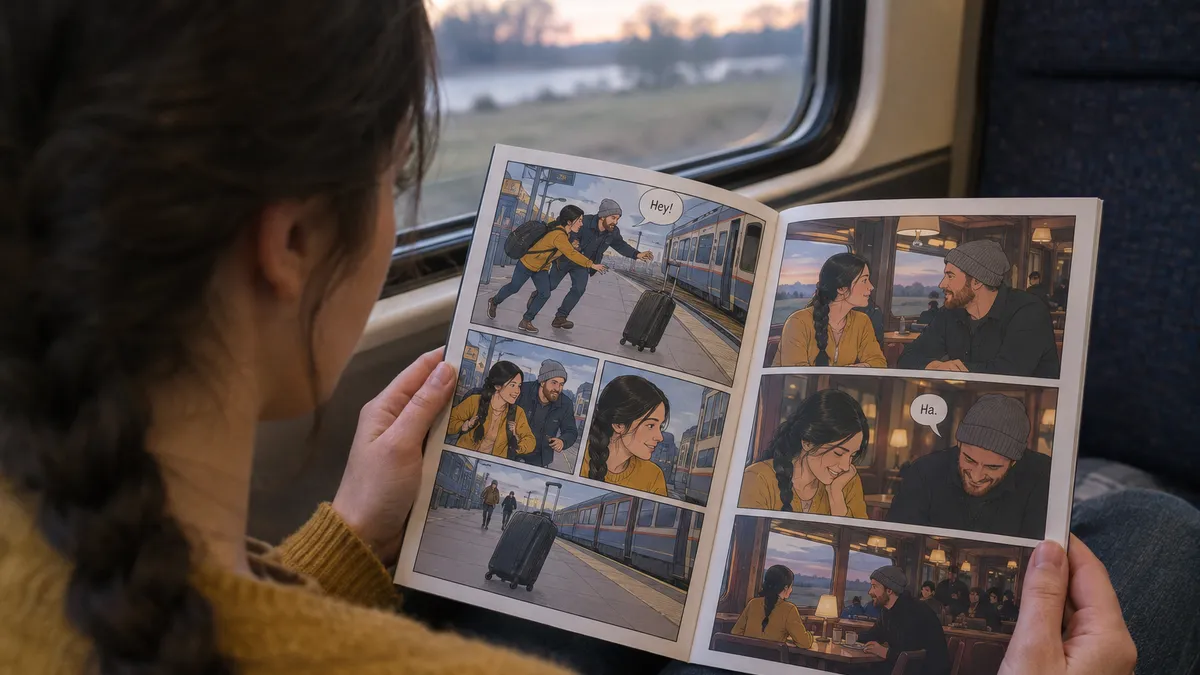
Can ChatGPT or Gemini make a comic on your phone?
Yes, for short ones, and that is a real distinction.
The ChatGPT app is where many people make their first comic in 2026: describe a four panel strip, get a page back, ask for changes in plain language. For a joke, a single page or a quick storyboard, that conversational loop is hard to beat, and you may already pay for it. You can attach a photo and ask for yourself as a cartoon. Over a longer story the face tends to wander from page to page, and nothing ties chapter one to chapter three; you end up with images in your gallery rather than a book.
The Gemini app works the same way and is a natural choice on Android, where it may already be on your phone. It is good at editing an existing image with a sentence, which is handy for fixing one panel. The same limit applies: it thinks in images, not in pages.
The rule of thumb: if the comic fits on one screen, a chat app is fine. If it needs a second chapter, or the same five people on twenty pages, an AI story app will save you most of the work.
What about apps for a quick strip or a photo comic?
Two apps that do not generate a story but are worth knowing.
Canva on iPhone and Android has comic strip templates, speech bubbles and fonts, plus built in AI image generation. For a three panel strip in a presentation or a social post it is quick and tidy. Keeping one character consistent across panels is up to you.
Comic Life on iPhone and iPad puts your own photos into comic page layouts with balloons and captions. The photos stay photos, filtered rather than redrawn, so the result reads more like a scrapbook than a drawn comic. For a quick family holiday story that is sometimes exactly right, and if you want the same photos actually redrawn as comic characters, that is what an AI story app does.
Which apps are best if you want to draw the comic yourself?
Then you want a workbench, not a generator.
Clip Studio Paint is the app most comic and manga artists reach for, on iPhone, iPad, Android and desktop: panel borders, perspective rulers, balloon tools, screentones and page management. It has a real learning curve and rewards the people who climb it. A tablet and a stylus help.
ibis Paint X is a very popular free drawing app on iPhone and Android, with a large community, comic frame tools and plenty of brushes. It is a common first step for teenagers who want to draw manga on the phone they already have.
MediBang Paint is another free option on both platforms, designed with comics in mind: panel division, tone and fonts for lettering, and cloud saving so you can move between devices.
Procreate on iPad, and Procreate Pocket on iPhone, is the favourite of many illustrators for sketching and painting. It has fewer comic specific tools, so artists often draw panels there and letter them elsewhere.
Some artists mix groups: they design a character with AI, then draw the final pages themselves. If you are inventing an original character, our OC maker builds a design board you can draw from or drop into a comic.

Which comic generator app should you pick?
Start from the comic you want, not from the ranking.
| If you are making | Kind of app | Start with |
|---|---|---|
| A comic starring you, your partner, family or friends | AI story app | myComics on iPhone or Android |
| A personalized gift you can print | AI story app | myComics, see our personalized comic book page |
| An original webtoon series | AI story app | Dashtoon |
| A one page joke or storyboard | AI chat app | ChatGPT or Gemini |
| A strip for a presentation or a post | Template app | Canva |
| A photo scrapbook with balloons | Template app | Comic Life |
| Manga you draw yourself on a phone | Drawing app | ibis Paint X or MediBang Paint |
| A serious comic project you draw | Drawing app | Clip Studio Paint |
If cost is the main filter, our free AI comic generator page walks through what the free options actually let you finish.
How do you test a comic app before paying?
Ignore the screenshots in the store listing, ours included. Every app shows its best output. Spend twenty minutes on this instead:
- Use your real material. The actual photos on your phone, your actual character, your actual idea.
- Read past the first panel. Make at least two pages with the same character and compare the first panel with the last. Drift shows up late, and a small screen hides it.
- Put two people in one scene. The second face is where shortcuts show.
- Export something. Find out whether the end result is a comic inside the app, loose images, a PDF or a printed book before you have spent an evening on it.
- Read the in app purchase list. Exports, watermarks and commercial use differ from app to app.
So what is the best comic generator app of 2026?
The one that matches whose face is in the comic and what you want to hold at the end. For real people and a finished book, an AI story app built around photos; we built myComics for that, and you can get it on the App Store or Google Play. For an original webtoon, Dashtoon. For a quick strip, ChatGPT or Gemini. For a photo scrapbook, Comic Life. For drawing your own pages, ibis Paint X, MediBang Paint or Clip Studio Paint.
Answer those two questions, install the two apps that fit, and you will probably know within the hour. For a closer look at how myComics compares with the other AI tools, see the best AI comic generator page.